

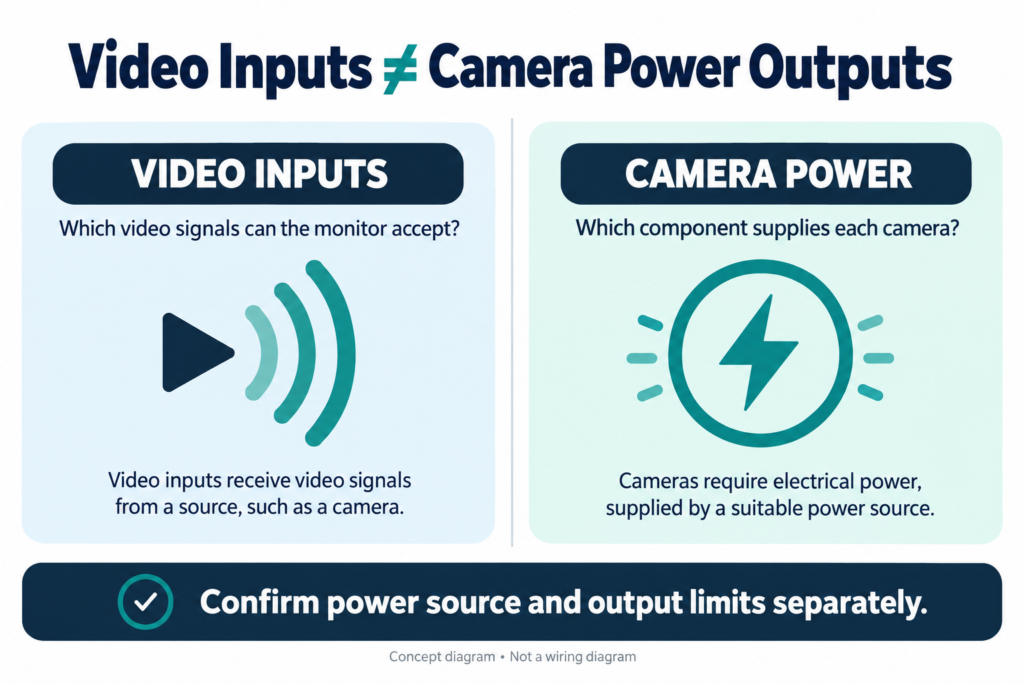
A vehicle monitor may support several camera video inputs, but the channel count alone does not tell you whether the monitor can power the same number of cameras.
Before adding cameras to a truck, bus, forklift or trailer system, confirm two separate things: how many video signals the monitor can accept, and where each camera will receive its electrical power.
Video Inputs and Camera Power Are Different Specifications
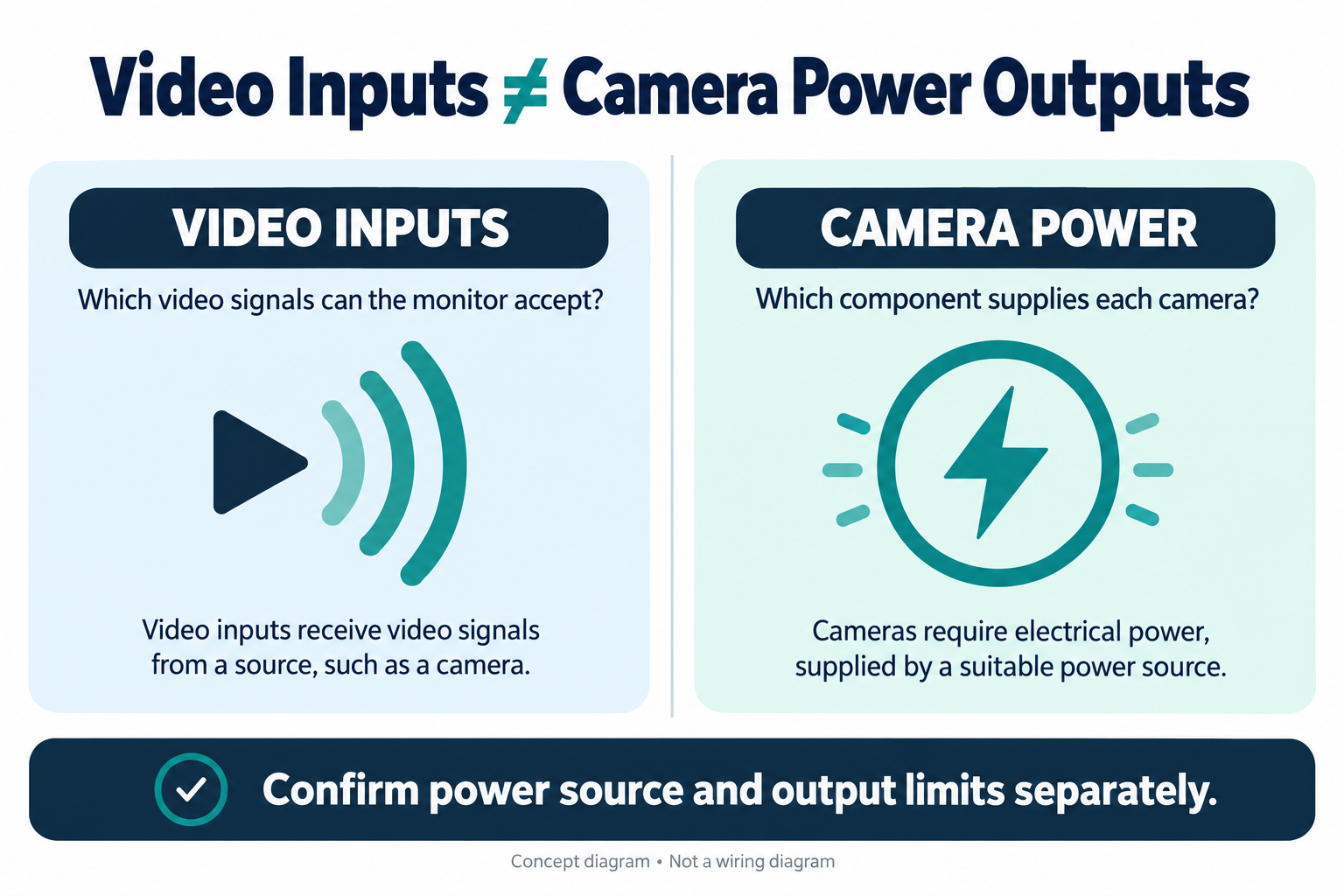
A monitor’s video channel count describes the number of camera signals it can receive or display. A camera power output specification describes whether the monitor, DVR, harness or another component supplies power to a camera.
The monitor’s own input voltage and power consumption refer to the monitor. They do not establish the voltage or current available at a camera connection. Check the specifications and wiring diagram for the exact models in the proposed system.
When reviewing a quotation, ask the supplier to identify which component powers each camera. Do not assume that a monitor with four video inputs also has four camera power outputs.
Identify the System’s Power Arrangement
Camera power may come from different parts of a vehicle system:
- A monitor or its harness may provide camera power.
- A DVR or distribution unit may provide camera outputs.
- Each camera may connect to an approved vehicle power circuit.
- A separate power supply or converter may be specified for the installation.
These are possible arrangements, not interchangeable defaults. The correct option depends on the equipment and vehicle. A connector that physically fits does not confirm compatible voltage, polarity or pinout.
For example, Xinvisual’s 12-inch monitor page specifies four camera inputs, while the category page lists monitor options for different configurations. Those display details should not be used to infer camera power output; verify power specifications separately for the selected system.
What to Confirm Before Requesting a Quote
Send the supplier the camera and monitor model numbers, vehicle voltage, number of cameras and approximate cable lengths. Ask for written confirmation of the following:
| Item | What to verify |
|---|---|
| Camera power source | Which component supplies power to each camera |
| Camera requirements | Required voltage range, polarity and current draw |
| Maximum load | Per-output and total output limits, if the system supplies camera power |
| Optional camera features | Whether infrared lighting, heating or other options affect the load |
| Harness and connector | Pinout, cable length and any required adapters |
| Protection | What protection is provided and what the vehicle installation requires |
| Operating behavior | Whether camera power changes with ignition, triggers or channel selection |
If current demand varies by camera mode, ask the supplier for the relevant operating and peak values for the specific model. Do not substitute a general estimate for the actual camera specification.
Test the Complete Configuration Before Approval
A single-camera bench check cannot confirm that a multi-camera setup will operate as intended. Test the proposed cameras, monitor, DVR, harnesses and cable lengths together.
During sample approval:
- Connect all cameras required for the project.
- Test any infrared or heating features that are part of the selected configuration, following the supplier’s instructions.
- Check voltage at the camera end of the cable under load, using an engineer-approved test method.
- Observe startup, channel switching and recovery after power interruption.
- Record the equipment models, cable lengths and test conditions.
If the picture flickers or disappears, record when it happens and what the system is doing. Check power, signal, grounding and compatibility as separate parts of troubleshooting rather than assuming one cause.
Buyer Checklist Before Ordering
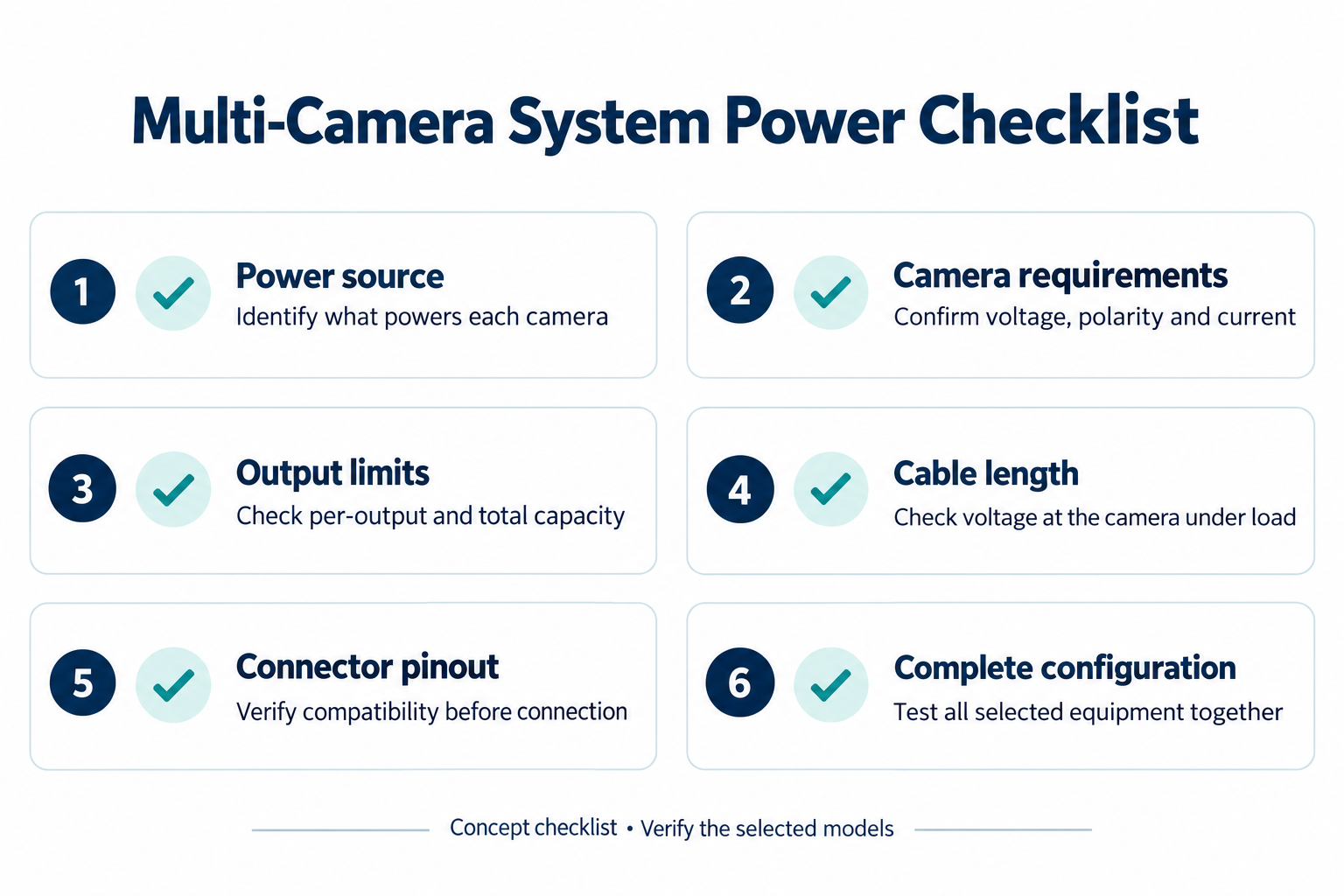
- Confirm the monitor’s video input count and supported signal formats.
- Identify the power source for every camera.
- Verify the camera’s voltage, polarity and current requirements.
- Confirm per-output and total limits if camera power comes from the system.
- Check connector pinouts, adapters and cable lengths.
- Test all cameras together in the approved configuration.
Frequently Asked Questions
Can a four-channel monitor power four cameras?
Not necessarily. Four channels describe video input or display capability. Confirm camera power outputs and limits separately.
Does a monitor’s wide input voltage mean the cameras accept the same voltage?
No. The monitor’s input rating is not the camera’s power specification. Check each camera’s required supply and the approved wiring arrangement.
What if the monitor does not provide camera power?
Ask the supplier or vehicle electrical engineer to specify a suitable power arrangement, including the connections and protection required for the complete system.
Match the Power Plan to the Camera Configuration
Share your vehicle type, camera quantity, monitor model, camera specifications and cable lengths with Xinvisual Electronics. We can review the requested configuration and identify power or compatibility details that need confirmation before sample approval.
Browse the vehicle monitor range or contact Xinvisual Electronics with your project requirements.