

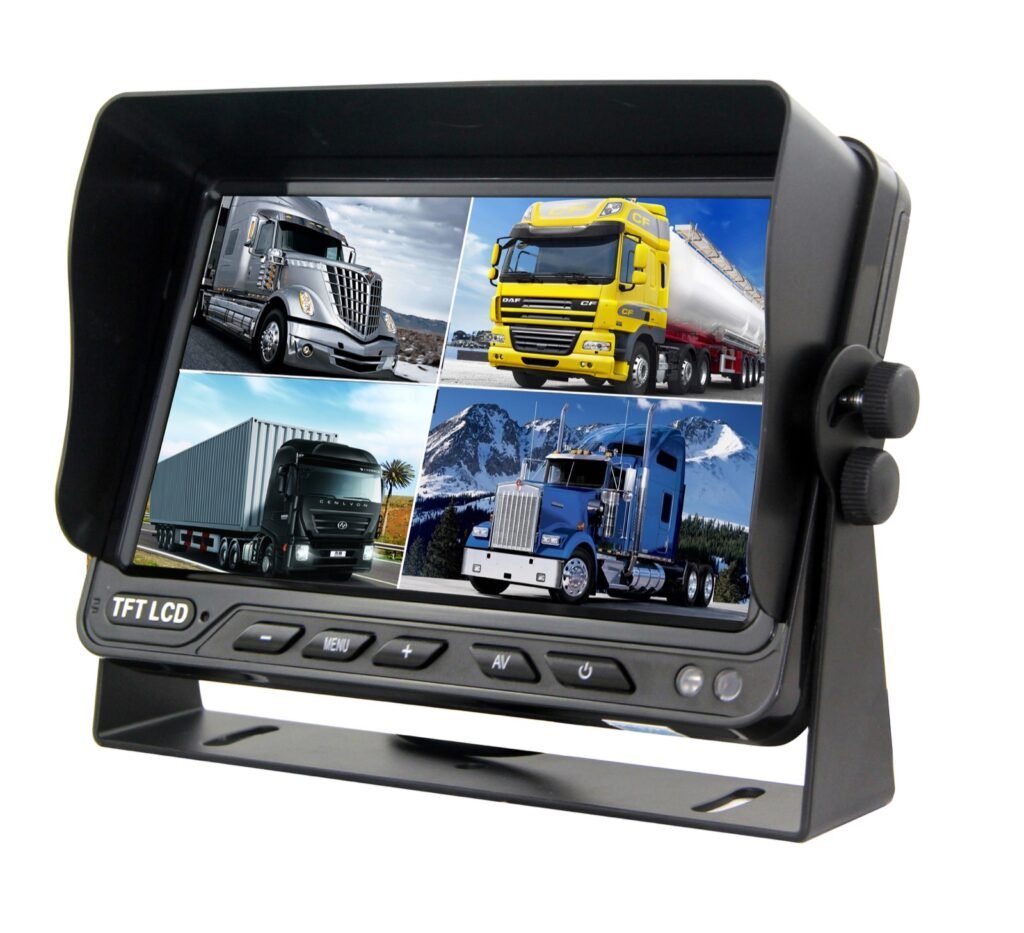
Choosing a 4:3 vs 16:9 vehicle monitor is not only a screen-size decision. A vehicle monitor can have the correct connector, voltage range, and video input but still be the wrong display for a project. One reason is the screen format. A 4:3 monitor is proportionally taller, while a 16:9 monitor is wider. That difference affects the shape of the available display area, the way a multi-camera layout uses the screen, and the physical space required in the cab.
The practical answer is not that one format is universally better. B2B buyers should select the monitor aspect ratio together with the camera image, required display mode, screen resolution, mounting location, and approved sample behavior. If the camera and monitor handle different formats, the actual result may depend on the selected model and its display processing. Stretching, cropping, or unused screen areas should never be assumed from the aspect-ratio label alone.
Quick Answer: Choose by the Driver's Viewing Task
A compact 4:3 commercial vehicle monitor can suit a focused single-camera view where a taller screen shape and limited mounting space fit the installation. A 16:9 vehicle camera monitor can provide a wider display area and is common in larger 7-inch and 10.1-inch configurations. A model that supports both 16:9 and 4:3 may help when one project must accommodate different camera sources or display preferences.
However, aspect ratio is only one line in the specification. Before ordering, confirm:
- the native or supported screen format of the exact monitor model;
- the camera output and the image shape delivered to the monitor;
- whether the system uses one view, two views, or quad split display;
- the monitor's pixel resolution and visible screen size;
- the physical monitor dimensions and mounting method;
- the observed image geometry on the approved camera, cable, and monitor sample.
Why Aspect Ratio Becomes a Procurement Problem
Distributors and importers often compare monitors by diagonal screen size. OEM engineers may begin with dashboard space. Fleet and safety teams may focus on how quickly the driver can understand the rear or side view. These are related questions, but they are not interchangeable.
Two monitors with different aspect ratios can have similar diagonal sizes yet occupy different shapes in the cab. Two monitors with the same aspect ratio can have different resolutions, brightness levels, video inputs, or trigger functions. A monitor that supports both formats may still require a menu setting or configuration confirmation. This is why a purchase order should identify the exact model and approved format rather than using a description such as “7-inch screen” alone.
Application Scenarios
Compact Reverse-View Installations
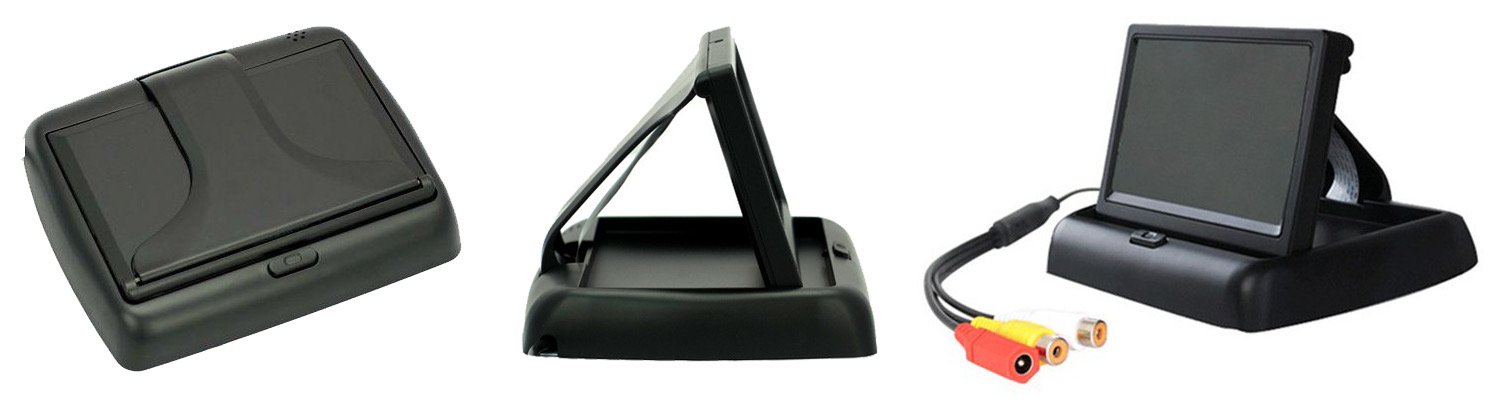
A small monitor may be used where dashboard space is limited and the main purpose is a single rear-camera image during reversing. Available Xinvisual product information includes 3.5-inch, 4.3-inch, 5-inch, and 6.5-inch 4:3 monitor references. For this type of project, buyers should confirm whether the screen shape, mounting base, sunshade, and driver sightline fit the actual cab.
The selected camera image must be checked on the monitor. A specification that says 4:3 describes the monitor panel format; it does not by itself prove how every camera image will be scaled.
Side and Rear Visibility for Commercial Vehicles
A 7-inch 16:9 monitor can be suitable where the driver needs a larger display area for a rear or side camera. Buyers can compare current vehicle monitors before selecting the exact screen format and model. Xinvisual's available specifications include the SF-7009SGD with a 7-inch 16:9 digital screen. The decision still needs to include mounting position, video input count, trigger requirements, connector design, signal format, and camera image direction.
For trucks, buses, agricultural equipment, and special-purpose vehicles, the best screen format is the one that preserves a useful, understandable view in the installed position. That result should be approved in a vehicle or representative fixture, not from a catalog image.
Multi-Camera and Split-Screen Systems
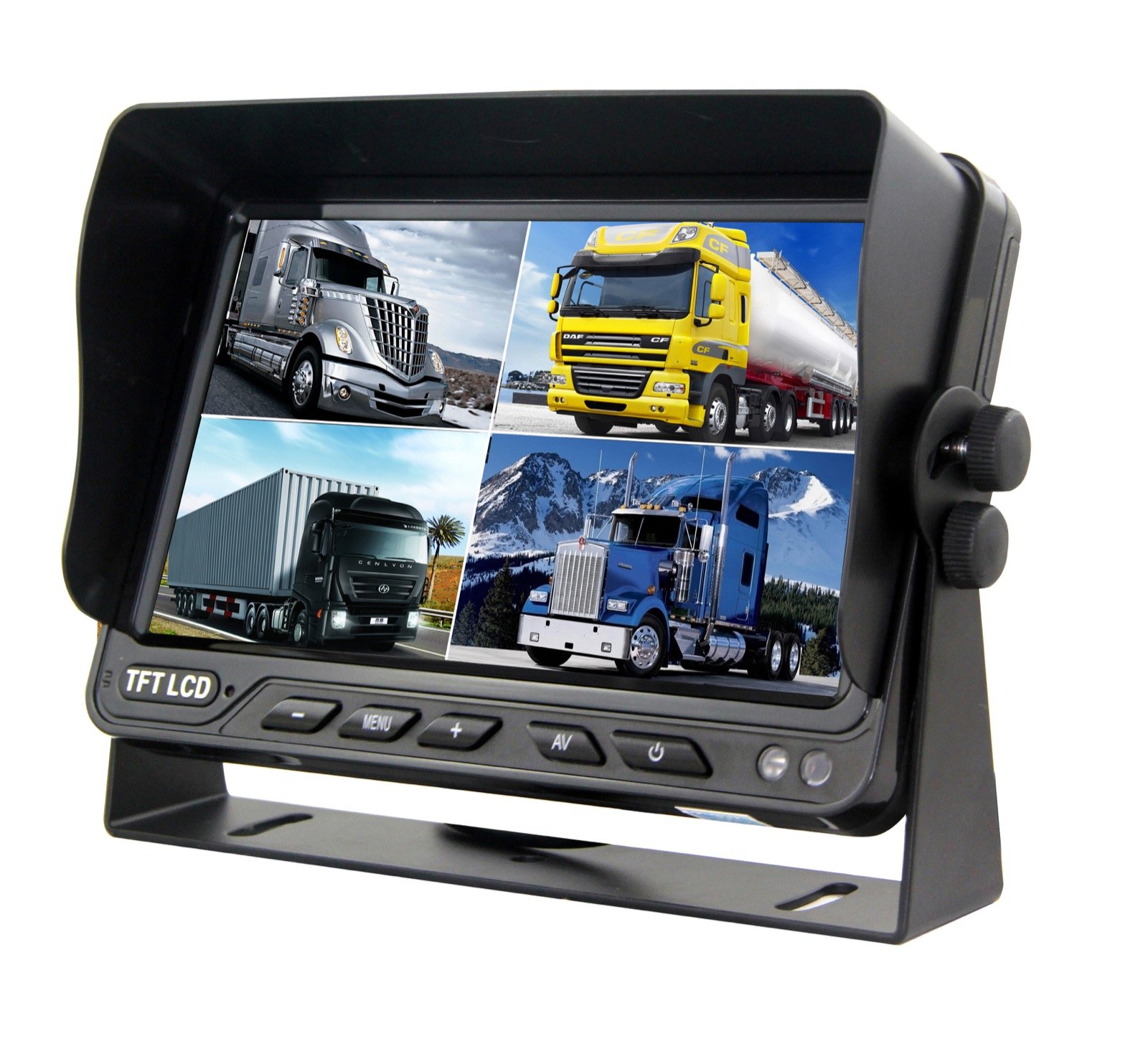
Quad-view systems divide one panel into smaller windows. In these applications, screen resolution, total screen size, window arrangement, and aspect-ratio handling all affect usability. A wider panel may offer useful horizontal space, but a buyer should not infer the exact window proportions without checking the monitor's supported display modes. A waterproof 10.1-inch stand-alone quad monitor is one relevant product-page reference when a project also requires a larger multi-camera display.
The available SF-7002AHDSF specification lists a 7-inch screen that supports 16:9 and 4:3, 1024 x 600 resolution, four video inputs, quad-screen simultaneous display, and four trigger lines. These confirmed fields make it a relevant reference for a sample comparison, but they do not replace an installation test with the selected cameras.
Technical Considerations for 4:3 and 16:9 Monitors
Aspect Ratio Is Not Resolution
Aspect ratio describes the proportional relationship between screen width and height. Resolution describes the number of displayed pixels. Buyers should record both.
For example, the available Xinvisual specification for the SF-4301 lists a 4.3-inch 4:3 screen with 480 RGB by 282 resolution. The SF-7009SGD is listed with a 7-inch 16:9 screen and 800 RGB by 480 resolution. The SF-7002AHDSF is listed with 1024 x 600 resolution and support for both 16:9 and 4:3. These are model-specific combinations; they should not be generalized to every monitor of the same size.
Camera Image Format and Monitor Format Must Be Tested Together
The camera creates the source image. The monitor displays that source according to its supported input and display processing. If the source and display formats differ, possible outcomes may include a changed image shape, cropped content, or unused areas. The available Xinvisual files reviewed for this article do not define a universal scaling rule across all models.
Ask the supplier to connect the exact camera and monitor planned for the project. Photograph the displayed result and keep the menu setting in the sample approval record. If several camera models will be used, test each one.
Multi-View Layout Needs Its Own Approval
Single view and quad view do not use the screen in the same way. A monitor may support four inputs, but buyers still need to confirm which layouts are available, how each window is arranged, and whether trigger activation changes the screen from split view to a single camera. Aspect ratio should be checked in every display mode required by the vehicle workflow.
Do not reuse a single-view approval image as proof that a split-screen layout is acceptable. The objects in each window will be smaller, and the driver may interpret the screen from a different distance.
Screen Shape Must Fit the Cab
Panel format affects the shape of the monitor, but the housing, sunshade, buttons, and bracket determine the actual installation envelope. The SF-4301 specification lists product dimensions of 122 x 77 x 18 mm. The SF-7009SGD lists 177 x 122 x 26 mm. A 6.5-inch rear-view mirror monitor provides another installation format for comparison. These examples help illustrate why diagonal size alone is insufficient.
Confirm available dashboard or pillar space, driver eye position, windshield clearance, cable bend radius, bracket adjustment, and service access. Use the exact product drawing or measured sample for the final installation decision.
Signal Compatibility Remains a Separate Check
A correct aspect ratio does not prove signal compatibility. Confirm whether the camera and monitor use CVBS, AHD, PAL, NTSC, or another supported format; then confirm resolution support and connector pinout. The aspect-ratio decision should be added to the compatibility record, not used in place of it.
Available Xinvisual Product Examples
| Model | Available Screen Information | Other Relevant Available Fields | Buyer Use in Evaluation |
|---|---|---|---|
| SF-4301 | 4.3-inch digital screen, 4:3, 480 RGB x 282 | 300 cd/m2 brightness; 122 x 77 x 18 mm | Compact 4:3 reference for physical-fit and single-view sample checks |
| SF-7009SGD | 7-inch digital screen, 16:9, 800 RGB x 480 | 450 cd/m2 brightness; 177 x 122 x 26 mm; removable sunshade | 16:9 reference for a larger commercial-vehicle display sample |
| SF-7002AHDSF | 7-inch screen supporting 16:9 and 4:3, 1024 x 600 | Four video inputs; quad display; four trigger lines; DC 12-32 V | Dual-format reference for multi-camera layout and menu-setting approval |
This table is a selection starting point, not a promise that these models share the same connector, input format, functions, or application fit. Confirm the current quotation and exact configuration before sample approval.
Product and System Selection Guidance
Step 1: Define the Required View
Write down whether the driver needs a continuous rear view, a reverse-only view, a side blind-area view, or multiple simultaneous camera views. Also record the normal viewing distance and whether the image must be read at a glance.
Step 2: Lock the Camera and Signal Path
Identify the camera model, image mode, output signal, connector, extension cable, and any control box. Do not choose the monitor format independently of the source and cable path.
Step 3: Compare Screen Format, Size, and Resolution
Request the aspect ratio, diagonal size, pixel resolution, visible area if available, and overall product dimensions. For split-screen use, review the actual layout rather than assuming that a larger diagonal automatically solves readability.
Step 4: Test the Exact Sample Configuration
Use the production-intended camera, monitor, harness, and settings. Test each required display mode. Review straight lines, object shape, edge visibility, and whether important areas remain visible. Record the menu format, signal setting, and trigger state with sample photos.
Step 5: Freeze the Approved Version
The purchase specification should include model number, screen format, resolution, signal compatibility, inputs, trigger behavior, connector and pinout, voltage range, bracket, cable length, and approved sample reference. If a dual-format monitor is selected, record the required default setting.
Common Buyer Mistakes
Choosing by Diagonal Size Alone
A 7-inch label does not define screen format, resolution, housing dimensions, input count, or mounting arrangement. Compare the full specification.
Assuming 16:9 Always Shows More Useful Area
A wider panel does not prove that the camera captures more relevant content. Camera field of view, mounting position, and display processing are separate factors.
Assuming a Dual-Format Monitor Fixes Every Mismatch
Support for 4:3 and 16:9 is useful, but the buyer still needs to confirm menu behavior, the intended default, and the result with each camera source.
Approving a Catalog Image Instead of a Working Sample
Promotional screen content does not demonstrate system compatibility. Approve a live image from the exact camera, monitor, cable, and settings.
Forgetting Split-Screen Readability
A quad monitor can show four channels, but the practical result depends on panel size, resolution, layout, mounting distance, and driver task. Test the required layout in context.
Buyer Checklist
- Exact monitor model and revision
- Native or supported screen format: 4:3, 16:9, or both
- Screen size and pixel resolution
- Overall dimensions, bracket, sunshade, and mounting clearance
- Camera model and image mode
- Camera output and monitor input compatibility
- PAL/NTSC or other required video-system setting
- Connector type, pinout, and cable length
- Single, dual, or quad display modes required
- Trigger behavior in every required mode
- Actual image geometry checked on the working sample
- Approved menu setting recorded for repeat orders
- Sample photos and configuration sheet stored with the project
FAQ
Is 4:3 or 16:9 better for a reversing camera monitor?
Neither format is automatically better. Choose according to the camera image, driver task, available mounting space, screen resolution, and the result of an exact system sample test.
Can a 16:9 monitor display a 4:3 camera image?
It may be possible on a compatible model, but the displayed geometry depends on the monitor's supported settings and processing. Confirm the result on the selected Xinvisual model instead of assuming stretching, cropping, or side areas.
Does a 16:9 vehicle monitor have higher resolution than a 4:3 monitor?
Not necessarily. Aspect ratio and resolution are different specifications. Available Xinvisual models use several combinations, so compare the exact model data.
What should be recorded when approving a dual-format monitor?
Record the exact model, required 4:3 or 16:9 setting, camera source, signal format, connector and cable, display mode, trigger state, menu setting, and sample photos.
CTA
Send Xinvisual your camera model, signal format, required display mode, mounting-space dimensions, connector details, and preferred screen size. The team can identify suitable monitor references for an exact camera-and-monitor sample evaluation before production approval. For projects that need the camera, display, recording, and installation path considered together, review Xinvisual's vehicle camera and monitor solutions.