

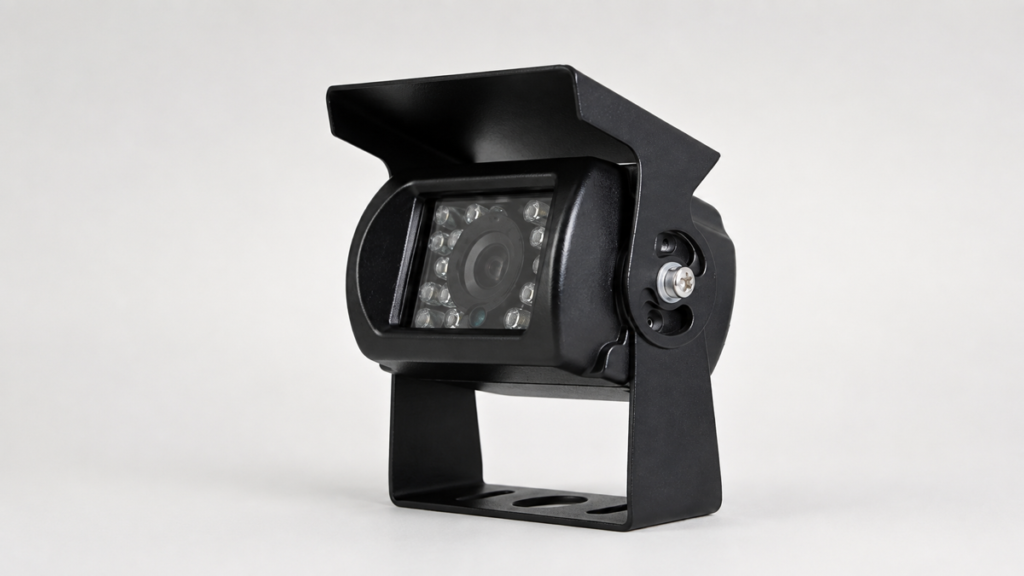
A vehicle camera with audio is not automatically a complete audio system. A camera may offer an optional microphone while the monitor has no matching audio input. A recorder may accept video without recording sound. A connector may fit physically but use a different pin assignment.
For distributors, fleet operations managers, OEM engineers, integrators, and installers, the purchasing question is therefore more specific: Will this exact camera, connection, and receiving device deliver the audio function the vehicle needs?
Xinvisual specifications document microphone or audio options on selected wired cameras, optional audio inputs on a selected compact monitor, and live sound plus recording/playback on a documented wireless DVR configuration. These are configuration-specific capabilities, not standard features across every camera, monitor, or recorder.
What Does "Vehicle Camera with Audio" Actually Include?
The phrase can refer to different parts of the signal path:
- Sound capture: a fitted microphone or an optional audio-enabled camera version.
- Signal transmission: a wired harness or paired wireless link that carries audio.
- Live playback: a compatible receiver and an appropriate playback output.
- Recording and playback: a recorder that saves the intended audio channel with video and supports the required playback method.
A quotation should identify each required function and the component responsible for it. Camera audio does not, by itself, establish two-way intercom capability.
Live Audio and Recorded Audio Are Separate Requirements
Hearing sound at the monitor does not prove that sound is being recorded. Equally, a saved audio track does not establish that the operator can listen to it live.
Define the requirement before selecting hardware. For example:
Camera 2 must provide live audio at the cab monitor, and the same audio source must be recorded with video for later local playback.
This is a sample purchasing requirement, not a claim about a supplied system. It gives the supplier and installer something specific to verify.
Which Xinvisual Audio Options Are Documented?
| Component or configuration | Documented audio option | What the quotation must confirm |
|---|---|---|
| Selected wired exterior camera | Microphone optional | Whether the ordered camera includes the microphone option and the approved audio connection |
| Selected AHD exterior camera | Audio optional | The audio-enabled camera version and matching harness/pin assignment |
| Selected compact AHD monitor | Three audio inputs optional | Required input count, channel mapping, playback method and matching harness |
| Documented wireless DVR configuration | Live sound playback and recorded playback | The exact paired camera/receiver configuration and the required live, saved-file and playback behavior |
These specification fields do not establish universal compatibility or standard kit contents. Confirm the selected configuration, available options, and connection details before sample approval.
Where Can Audio Support a Vehicle Camera Application?
The following are application scenarios, not Xinvisual customer cases or verified installation results.
Rear or Work-Area Camera with Live Sound
A buyer may want an operator to hear nearby activity while viewing a loading area or equipment operation. Define the camera position, intended sound source, cab noise, and playback location. Audio must not replace established communication, installation, or site safety procedures.
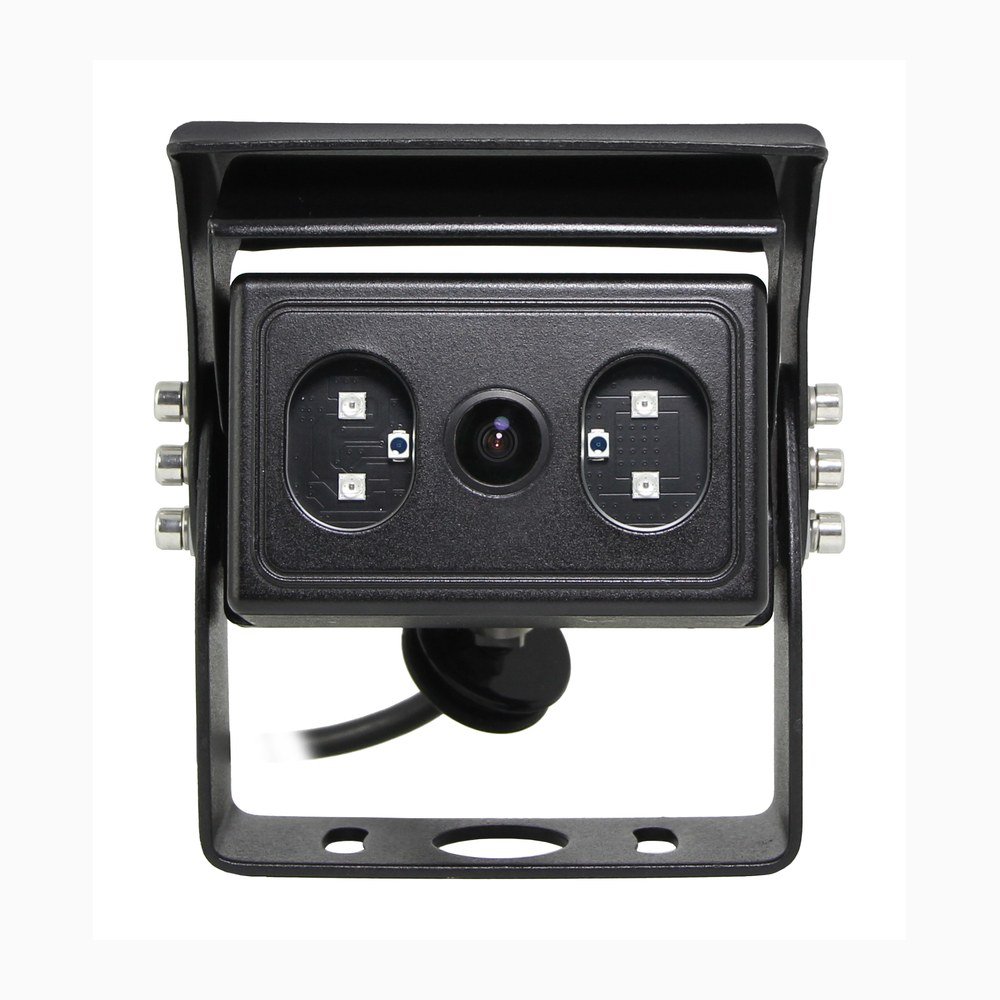
When reviewing an AHD waterproof backup camera, request confirmation of its audio-enabled version. A camera product page or housing photograph does not prove that a microphone is included.
Fleet Video Recording with an Audio Channel
Specify which sound source must accompany which video channel, whether live listening is required, and how the saved file will be reviewed or exported.
Do not infer audio input count from video channel count. For vehicle recorders and MDVRs, confirm the exact audio input, harness, channel mapping, and playback configuration before ordering.
Wireless Camera and DVR Monitor
A documented Xinvisual wireless DVR configuration supports receiving and playing sound in real time, as well as recording and playback. The quotation must identify the corresponding paired camera and receiver; this specification does not apply automatically to every wireless camera system.
Test the complete pair at the intended camera and antenna positions. Vehicle structure, obstructions, interference, and operating distance should form part of the site evaluation. Separately check whether the intended sound is usable against background noise. A working wireless picture is not evidence of a working audio path.
During sample evaluation, check live sound, audio channel selection, saved-file playback, and behavior after a normal power cycle. Record the installation and test conditions. Do not turn a specification statement into a guaranteed field range, audio-quality result, or recovery-performance claim.
Engineering Pitfalls to Resolve Before Sample Approval
Match the 4-Pin Aviation Connector Pinout, Not Just the Plug
A four-pin aviation-style connection may allocate conductors to VCC (supply), GND (ground), Video, and Audio, but this is not a universal pin-number assignment. Connector appearance, wire color, or the ability to mate two plugs is not enough to establish compatibility.
Obtain the camera-side and monitor/recorder-side drawings. Check pin numbering, the drawing's viewing direction, mating orientation, supply voltage and polarity, and continuity through each approved extension or adapter. Confirm that the harness actually includes the required audio conductor.
Use the manufacturer's procedure and qualified installation personnel. Do not trial-connect an unverified pinout. This guide does not provide a wiring diagram for any particular product.
Verify the Receiver Input and the Audio Channel Mapping
Confirm the camera output and receiver input requirements, connector wiring, selected channel, and playback method. An optional audio input must be included in the ordered vehicle monitor configuration; its availability in a product family does not establish that it is fitted to the sample.
For recording, check the saved file through the intended playback or export workflow. If audio control is required, verify it separately: muting a speaker does not establish that audio capture or recording has stopped. Confirm the actual behavior supported by the selected hardware and settings.
Verify Outdoor Microphone Protection and Installed Sealing
Where a project specifies IP68 or IP69K, request evidence for the exact audio-enabled camera version and the applicable test conditions. Confirm whether the documented enclosure includes the microphone opening, its protective construction, cable entry, and the supplied connector arrangement.
A housing rating alone is not sufficient evidence for a different microphone variant or the complete installed harness. Ask how the microphone opening should be positioned and maintained; do not drill, seal over, or modify it without engineering approval.
No microphone-specific IP68/IP69K test result is established by this article. Waterproofing, cleaning exposure, and installed connector protection require configuration-specific evidence.
Evaluate Wind and Engine Noise in the Intended Installation
Include wind, engine, road, and nearby machinery noise in the sample test. A quiet bench demonstration cannot establish whether the required sound will remain usable in a working vehicle.
Compare the permitted mounting positions and playback levels under representative conditions. Do not assume that an audio option includes noise cancellation, automatic gain control, a particular pickup distance, or a specified intelligibility level. Agree the acceptance criteria with the buyer and installer, then retain the actual result.
Review Cab Privacy and Audio Disable Controls
For European deployments involving personal data, review the EU GDPR and applicable national requirements with the responsible privacy or legal team. The European Data Protection Board's video-device guidance says unnecessary functions, including audio recording, should be deactivated. EDPB Guidelines 3/2019, paragraph 129.
UK guidance specifically recommends keeping in-vehicle audio recording off by default and using it only in exceptional, justified circumstances. ICO: Surveillance in vehicles.
For North American installations, have the responsible team confirm the recording, notice, consent, and workplace requirements applicable to the operating locations. Do not treat one regional approach as permission to record elsewhere.
Translate the approved privacy policy into procurement requirements: whether audio is needed, who may enable it, how it can be disabled, who may access recordings, and the retention period. Selectable audio is useful only if its behavior is verified on the selected system. A mute control, warning sign, or product specification alone does not establish legal compliance. This is a procurement consideration, not legal advice.
How Should Buyers Test the Complete Audio Path?
Use the exact camera, harness or wireless pair, monitor/recorder, storage, and playback method intended for the order. Conduct tests under approved installation and site safety procedures.
| Requirement | Check during sample evaluation | Evidence to retain |
|---|---|---|
| Live sound | Confirm that the intended source can be heard through the selected receiver under representative vehicle noise | Component configuration, playback setting, test conditions, and buyer's acceptance result |
| Correct channel | Change the selected camera view and verify which audio source follows it | Approved video/audio channel mapping |
| Recorded sound | Record a sample, stop recording, and open the saved file through the required playback/export method | Sample result and playback method; do not share private conversations without authorization |
| Harness or wireless path | Confirm drawings or pairing details, then test the installed configuration | Approved harness drawing or pairing record, installation conditions, and unresolved limitations |
| Audio control | Verify the required live mute, recording-disable, and restart behavior where supported | Buyer-approved settings and observed behavior, including unsupported requirements |
An unsuccessful check identifies a configuration, installation, or component issue to investigate. It is not, by itself, proof that a product is defective.
Conclusion & Buyer Checklist
Approve the complete audio path, not just the camera description. Before placing an order, retain written confirmation of:
- the audio objective: live listening, recording, or both;
- the fitted microphone option and exact camera/receiver combination;
- power requirements, pinout, harness, and channel mapping;
- outdoor protection evidence and representative noise-test results;
- playback, audio-disable behavior, and the buyer's privacy requirements.
Keep unresolved items in the sample approval record. A clear configuration and acceptance result are more useful than an unsupported promise of universal audio compatibility.
FAQ: Vehicle Camera Audio Integration
Does every vehicle camera include a microphone?
No. Selected Xinvisual specifications list the microphone or audio as optional. Confirm that the quoted camera includes the required option and matching connection. A product photograph or an audio option in another specification does not prove microphone inclusion.
Can a 4-pin vehicle camera with audio connect to any monitor or MDVR?
No. Verify pin assignment, supply requirements, audio input compatibility, harness wiring, and playback support on both devices. A matching connector shape does not establish electrical or signal compatibility.
If I can hear live audio, will it also be recorded?
Not necessarily. Recording depends on the selected recorder, input mapping, settings, and playback workflow. Check a saved sample file separately. Also confirm whether a mute control affects only playback or actually disables recording.
Request a Camera Configuration Review
Already have a specification or preferred configuration? Send your vehicle type, camera positions, quantity, live/recorded audio requirement, receiver details, connector drawings, power supply, and sample acceptance criteria for technical review. We can review the available specifications and identify items that need confirmation before quotation or sample approval.
Request a Configuration Review
You can also start with vehicle cameras, MDVR systems, or vehicle monitors, then specify the audio function your configuration requires.