

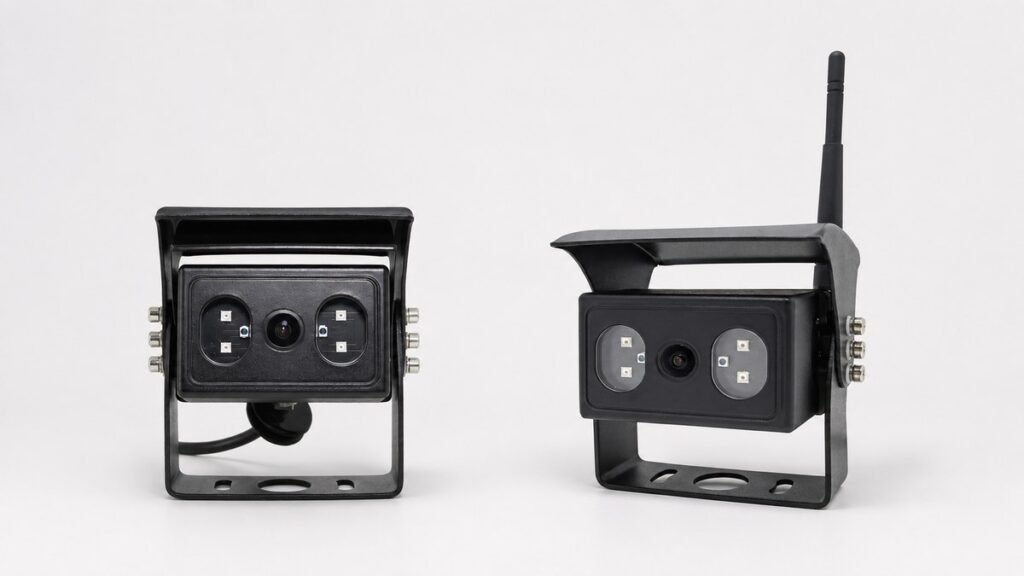
A vehicle camera image sensor is important, but it is only one part of the image path. A camera may list a CMOS format, pixel array, or resolution while the complete system applies a different output format, frame rate, compression step, cable path, monitor input, or recorder setting. Buyers who approve a camera from one sensor line can therefore receive an image that does not match the intended viewing or recording task.
For a distributor building a repeatable kit, an OEM engineer freezing a bill of materials, or a fleet team comparing samples, the practical question is not simply, “Which sensor is inside?” It is, “What image reaches the driver or recording file in the approved configuration?”
This guide explains how to read available Xinvisual camera specifications without turning a sensor size or pixel count into an unsupported performance promise. It also shows what to record in an RFQ and what to verify on a representative sample.
Why the Sensor Name Is Not the Complete Camera Specification
The sensor converts light into an electronic image, but the final result also depends on the lens, exposure control, camera electronics, video output, transmission or encoding stage, cable and connector, monitor or recorder input, display, installation angle, and scene lighting. A strong sensor field cannot correct an incompatible signal path or a lens that shows the wrong area.
Official sensor manufacturers publish resolution, image size, pixel size, frame rate, and dynamic range as separate fields. Buyers should follow the same discipline when comparing finished cameras. Xinvisual's vehicle camera category can be used to identify housing and application options, but the order specification should lock the complete camera configuration.
Application Scenarios
Rear and Side Viewing on Trucks, Buses, and Work Vehicles
A driver-view camera must show the target area at a useful scale. For reversing, that may include the area immediately behind the body and a longer approach zone. For side viewing, it may include a lane, curb, wheel area, or equipment edge. Sensor resolution matters, but camera position, lens angle, image direction, monitor size, and split-screen layout also determine what the driver can use.
Wireless Retrofit Systems
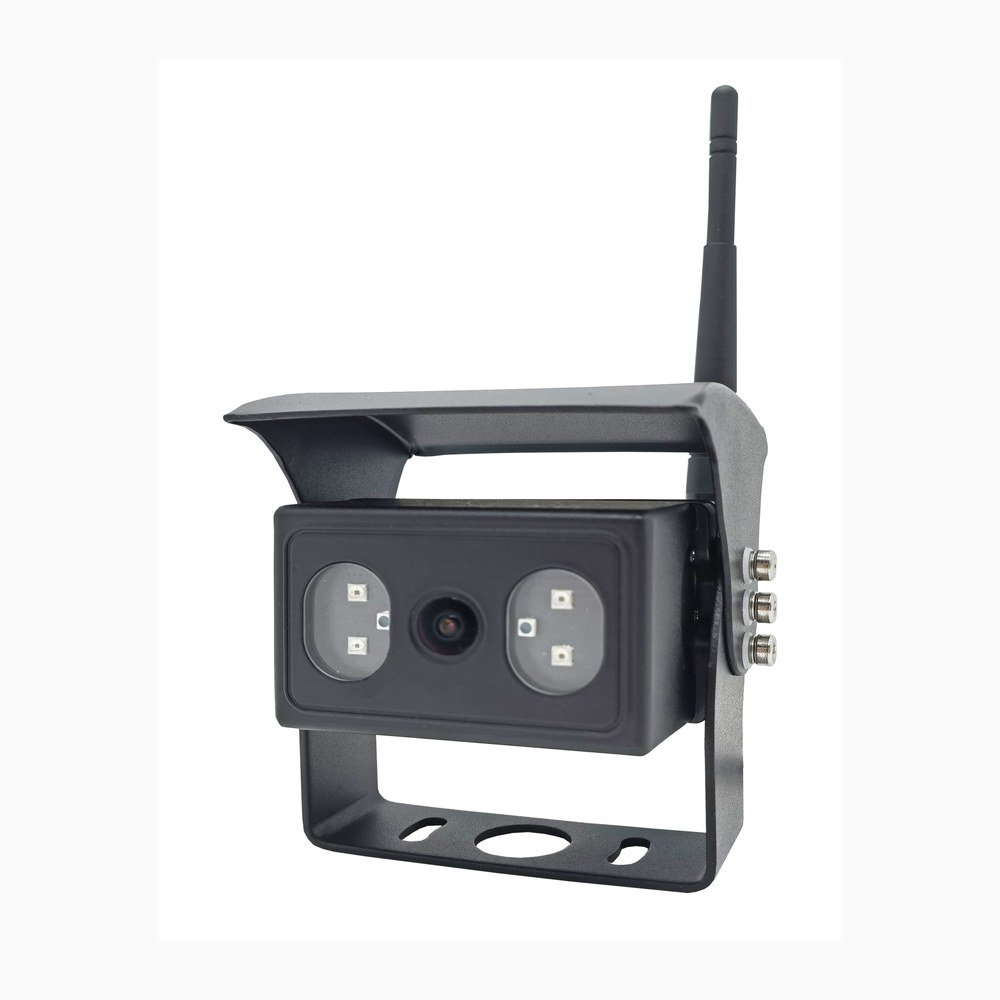
A wireless camera may have one pixel array at the imaging stage and another resolution at the encoded system output. The difference is not automatically a defect. It is a reason to document both fields and judge the received image, latency, frame rate, and stability as one system. Buyers considering wireless architecture can also review Xinvisual's wireless camera system category.
AI Detection and Blind-Spot Applications
An AI camera uses an image as input to a detection workflow, but a general image-sensor specification does not establish recognition accuracy, detection distance, alarm performance, or regulatory compliance. Those functions require model-specific evidence and an installed validation plan. Use the sensor fields to understand the imaging platform, then evaluate the confirmed AI functions separately.
Technical Considerations for Camera Selection
1. Separate Effective Pixels from Delivered Output
Effective pixels describe the active image array, not every output stage. One available Xinvisual wireless reference lists a 1920 x 1080 camera pixel array, but its output entries vary by the documented operating mode: 1280 x 704 in some modes and 640 x 480 in another. The sheet lists a video frame rate of 20 fps separately. Confirm which output and frame rate apply to the ordered configuration and intended viewing mode, then verify the received or recorded image on the sample.
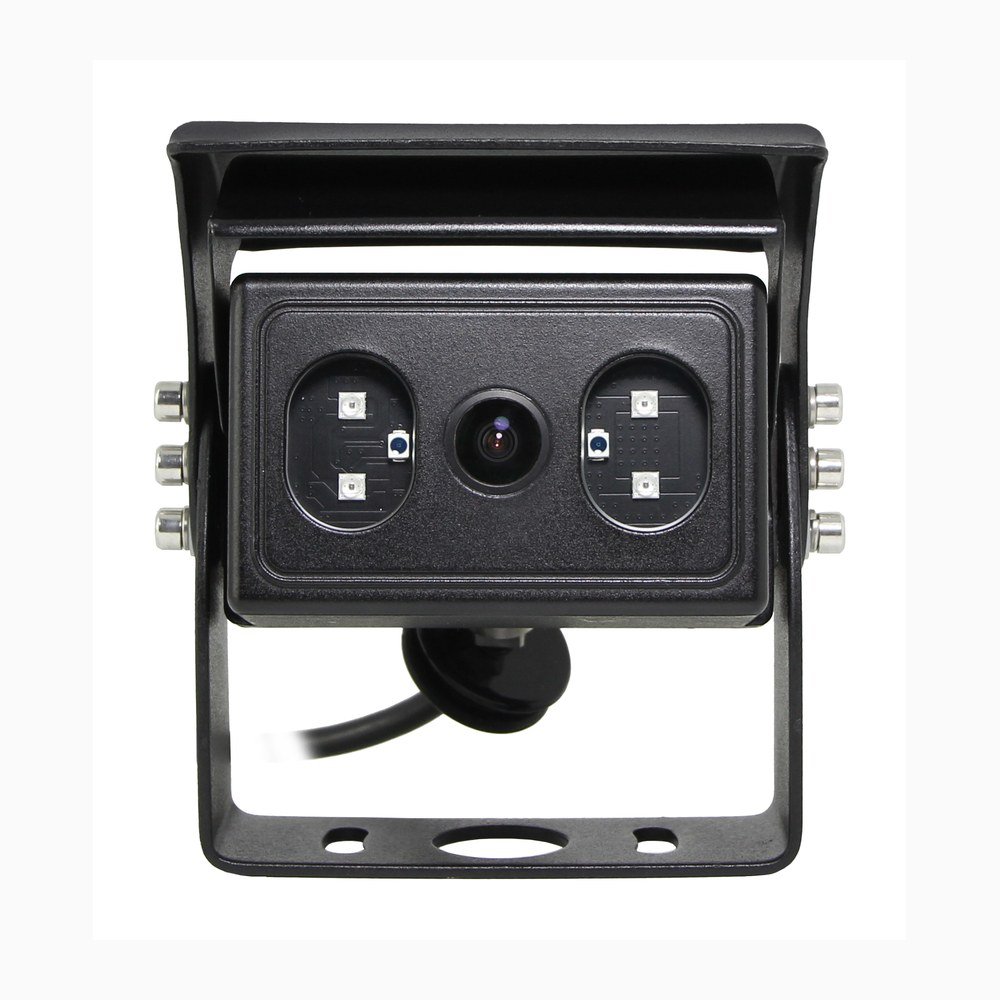
For wired AHD projects, confirm camera output and monitor or recorder input together. Xinvisual's AHD vehicle camera category supports product discovery, while the AHD versus analog camera guide explains why resolution labels and signal formats cannot be treated as interchangeable.
2. Read Sensor Format and Pixel Size as Separate Fields
Available Xinvisual specifications include 1/2.9-inch, 1/3-inch, and 1/2.7-inch CMOS references. They also include 2.8 x 2.8 micrometer and 3.75 x 3.75 micrometer pixel-size references. These numbers describe different parts of the imaging design; neither one independently proves a brighter night image, wider field of view, or better recognition result.
Lens coverage must suit the sensor format, and sample images must be reviewed at the actual mounting position. If a supplier quotes only “CMOS” or only a sensor format, ask for effective pixels, pixel size when available, lens and angle, output format, frame rate, and low-light configuration.
3. Confirm Frame Rate and Scanning Method
The reviewed wired 1080P reference lists 25 and 30 frame-rate options and progressive scanning. The 720P AI reference lists 25 fps and progressive scanning. The wireless sheet lists 20 fps in a separate field from its mode-dependent output resolutions; this is a specification entry, not a measured result for every installation or recording path. Record the applicable frame rate for the exact ordered configuration and verify it on the intended receiving and recording equipment.
Do not promise motion clarity from frame rate alone. Vehicle speed, vibration, exposure time, lighting, monitor behavior, recording settings, and the viewing task all affect the observed result.
4. Compare Dynamic Range, Exposure, and Low-Light Fields Carefully
Two available Xinvisual references list 81 dB and 83 dB dynamic-range values. They also list automatic gain control, automatic white balance, automatic backlight compensation, and electronic-shutter ranges. These are useful specification fields, but the source material does not define one common test method that would make every value directly comparable across all cameras.
Low-light purchasing should therefore include an installed sample review. Define the scene, target distance, available lighting, headlight or work-light glare, infrared requirement, and whether the image is for a person or an algorithm. Do not convert a dynamic-range or pixel-size number into a guaranteed night-vision distance.
5. Match the Lens and Installed View
The sensor receives only what the lens projects. A high-resolution array cannot recover an area outside the lens view, and a very wide lens can make distant objects appear smaller. Map the target area before selecting the listed angle, then approve the image from the intended mounting height and direction. The existing rear-view camera angle guide owns the detailed angle-comparison intent.
6. Treat Output, Connector, and Display as One Chain
One reviewed wired reference lists 1.0 Vp-p, 75-ohm video output. That field does not by itself confirm AHD/CVBS compatibility, connector pinout, camera power, cable assembly, or monitor support. The RFQ should identify the ordered signal, video standard, connector, pin assignment, power input, cable length, and receiving device.
Available Xinvisual Specification Examples
The table below uses private source records to illustrate the fields buyers should compare. It is not a ranking and does not claim that one sensor architecture is universally better.
| Reference Configuration | Sensor and Imaging Fields | Delivered Output Fields | Buyer Interpretation |
|---|---|---|---|
| Wired 1080P AHD camera reference | 1/2.9-inch CMOS; 1920 x 1080 effective pixels; 2.8 x 2.8 micrometer pixels; progressive scanning; 25/30 frame-rate options; 81 dB dynamic range | 1.0 Vp-p, 75 ohm; electronic shutter listed from 1/30 (1/25) to 1/50,000 second | Confirm the exact frame-rate option, lens angle, signal format, image direction, power version, and receiving device in the order record. |
| 720P AI camera reference | 1/3-inch CMOS; 1280 x 720 effective pixels; 3.75 x 3.75 micrometer pixels; progressive scanning; 25 fps; 83 dB dynamic range | 1.0 Vp-p, 75 ohm; electronic shutter listed from 1/25 to 1/50,000 second | These imaging fields do not establish AI detection performance. Confirm algorithm functions and alarm behavior separately. |
| Wireless 1080 camera-system reference | 1/2.7-inch CMOS; 1920 x 1080 camera pixel array | Mode-dependent outputs listed as 1280 x 704 or 640 x 480; video frame rate listed separately as 20 fps | Confirm the selected operating mode, output and frame rate. Verify the received or recorded image and end-to-end delay on the intended sample system. |
Product and System Selection Guidance
Build a Complete RFQ Line
For each camera position, record the viewing task, sensor format, effective pixels, pixel size when available, lens or listed angle, image direction, frame rate, scanning method, output resolution and signal, connector, power input, low-light configuration, housing, and receiving device. Mark options explicitly; do not rely on a family-level brochure.
Compare Like with Like
If two quotations use different output stages, do not compare only their sensor arrays. Compare the image delivered to the same class of monitor or recorder under the same scene and display conditions. For wireless systems, include encoded output and latency. For AI systems, keep image-platform checks separate from detection and alarm checks.
Freeze the Approved Bill of Materials
The sample record should identify the exact camera version, lens, signal, image setting, connector, cable or wireless receiver, power plan, monitor or recorder, and firmware or menu settings when relevant. Repeat orders should reference that approved record so an unannounced component or option change does not alter the system behavior.
Common Buyer Mistakes
Selecting by “CMOS” Alone
CMOS identifies a sensor technology family, not the delivered image, lens, output, environmental design, or system compatibility.
Treating Sensor Pixels as the Final Stream Resolution
The encoded, transmitted, recorded, or displayed image may use another resolution. Ask for each stage separately.
Assuming Pixel Size Guarantees Low-Light Performance
Pixel size is relevant, but the reviewed sources do not support a universal conclusion across different lenses, exposure controls, infrared arrangements, electronics, and test conditions.
Ignoring the Lens and Mounting Geometry
The sensor cannot solve a field-of-view problem created by the wrong lens or camera location. Approve the installed view.
Leaving Options Unmarked
Frame rate, image direction, power range, viewing angle, audio, and low-light features may be offered as choices. The purchase order should state the selected version.
Buyer Checklist
- Vehicle or machine type and camera task recorded
- Camera position and target visible area mapped
- Sensor format and effective-pixel field confirmed
- Pixel size recorded when the source provides it
- Lens or listed viewing-angle option selected
- Frame-rate option and scanning method confirmed
- Sensor-stage resolution separated from system output resolution
- Video format and PAL/NTSC setting matched where applicable
- Connector, pin assignment, cable, and receiving device documented
- Camera power input and system power path confirmed
- Low-light and infrared configuration recorded by exact version
- AI functions evaluated separately from imaging specifications
- Wireless encoded output and latency checked where applicable
- Day, low-light, motion, and representative installed views reviewed
- Approved bill of materials, settings, images, and test notes retained
FAQ
What does the sensor size in a vehicle camera specification mean?
It identifies the sensor's optical-format class. Buyers should not use it alone to predict image quality or viewing angle. Confirm the lens, effective pixels, pixel size, output, and installed sample together.
Does a 1080P image sensor guarantee a 1080P displayed or recorded image?
No. A transmission, encoding, recorder, or display stage may use another resolution. Request the camera pixel array and every delivered-output field in the system path.
Does a larger pixel always produce better night vision?
The available Xinvisual records do not support that universal claim. Lens aperture, exposure control, infrared lighting, processing, scene distance, installation, and test method also matter. Compare representative samples instead of one number.
What evidence should be included in camera sample approval?
Keep the exact bill of materials and settings, then capture the intended view in representative daytime, low-light, and motion conditions. Record the camera position, lens or angle, output path, monitor or recorder, connector, power plan, and any wireless or AI settings.
CTA
Send Xinvisual the vehicle type, camera position, target visible area, intended monitor or recorder, wired or wireless architecture, output requirement, connector preference, power plan, and sample conditions. Request a Camera Configuration Review to compare available specifications without relying on a sensor name alone.