

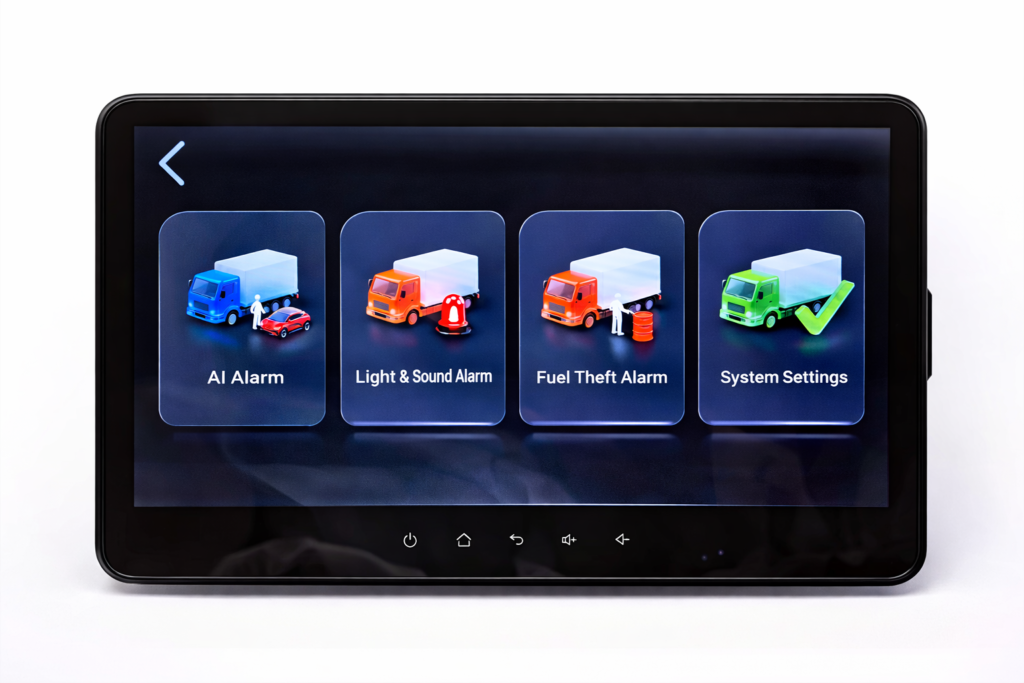
A camera image on a vehicle monitor does not prove that the system is recording. A recorder that stores video onboard does not automatically give an office user access to that footage. Remote live viewing, remote playback, and cloud storage are separate functions that buyers should confirm individually.
For a commercial vehicle project, start with three questions: Who needs to see the video, when do they need it, and where will the footage be stored? Those answers help distinguish a driver visibility system from a recording system and a connected fleet monitoring configuration.
This guide explains how to define those functions before comparing quotations. It does not assume that every camera, monitor, or MDVR supports every workflow.
Five Video Functions That Should Be Specified Separately
In-vehicle live view
In-vehicle live view means the driver or operator sees a current camera image on a screen inside the vehicle. The purpose might be checking a rear area, a side view, or another working position.
The camera-to-monitor path is the first requirement. Whether that same system records video is a separate question. Ask the supplier to identify the recording device and storage medium rather than assuming that a screen contains a recorder.
Local recording
Local recording means video is saved on storage installed in the vehicle, such as an SD card or a recorder’s supported drive. The exact medium, supported capacity, recording settings, and retrieval method depend on the selected equipment.
Specify which camera channels must be recorded. A multi-camera display layout alone does not establish the number of recorded channels, recording resolution, or frame rate. Those items belong in the agreed configuration.
Remote live view
Remote live view allows an authorized person away from the vehicle to access a current video stream through a supported connected system. Confirm the recorder or integrated terminal, network connection, compatible application or platform, and account requirements.
“Wireless camera” is not a complete description of this function. A wireless link between a vehicle camera and its monitor does not, by itself, establish internet access for an office user.
Remote playback
Remote playback means accessing recorded video from a remote location. It does not tell you where that video is stored. A system could retrieve a recording from onboard storage or use footage uploaded to a service, depending on its design.
Cloud storage
Cloud storage is another requirement. Ask whether footage is uploaded, which footage is uploaded, how long it is retained, and what service terms apply. Do not treat a “4G” label or a remote playback feature as proof that continuous cloud storage is included.
Compare the Scope at a Glance
These are functions to specify separately, not mandatory upgrade tiers. Select the combination the project needs; the table does not describe a standard Xinvisual package.
On a small screen, scroll within the comparison table to see every column.
| Function | Buyer outcome | What the quotation must clarify |
|---|---|---|
| In-vehicle live view | The driver sees a current image. | Camera-to-screen compatibility; whether recording is included or separate. |
| Local recording | Footage is saved onboard for later review. | Recorder, supported media, recording settings, retrieval method and media replacement. |
| Remote live view | An authorized user sees current video away from the vehicle. | Connected hardware, network availability, application access and any connectivity or service charges. |
| Remote playback | An authorized user accesses an existing recording remotely. | Recording source, access path, power and network conditions, and whether download is supported. |
| Cloud storage | Uploaded footage is retained off the vehicle. | Whether supplied; upload rules, retention, access, charges and what happens when service ends. |
Start With the Person Who Will Use the Video
Consider a truck that needs a rear camera image during maneuvering. If the driver is the only viewer and later footage review is not required, a compatible camera-and-monitor configuration may address the stated need. Recording and remote access should still be discussed if the project expects to add them later.
Now consider a fleet supervisor who needs to review a reported loading-area incident after a vehicle returns. That requirement adds recording, a usable camera position, a known time reference, and an accessible retrieval process. It does not necessarily require continuous remote access.
A third project may need an office team to check a vehicle while it is away from the depot. That adds connectivity and remote access requirements. If the same team also needs yesterday’s footage, remote playback must be confirmed separately from live view.
These are illustrative purchasing scenarios, not Xinvisual customer cases or promises that a particular product will meet them without configuration review.
What a Verified Xinvisual Specification Actually Establishes
A Xinvisual source specification for a 10.1-inch integrated monitor/DVR lists live video, route playback, intercom, and video playback among its 4G functions. It separately lists SD-card storage up to 128GB, TS recording format, and H.264 compression.
The useful distinction is that connected functions and local storage appear as separate specification items. They answer different purchasing questions. These details apply to that documented configuration; they should not be transferred to another monitor, wireless kit, or MDVR because the product name looks similar.
The entry “video playback” does not, on its own, define the recording source, client software, or availability of remote file download. Confirm those details for the quoted configuration.
The specification does not, by itself, establish a cloud retention period, subscription price, continuous upload policy, or compatibility with a buyer’s existing platform. Those commercial and integration details require confirmation for the actual quotation.
For current options, review Xinvisual’s MDVR system category and 10.1-inch 4G AI MDVR monitor. Ask for the configuration that matches the required viewing and retrieval workflow.
Clarify What Happens When Connectivity Is Unavailable
Do not accept “it has local recording” as a complete answer to an offline-operation question. Confirm whether recording continues under the required power conditions, how a connection interruption is indicated, and how the system behaves when connectivity returns.
Automatic upload after reconnection should be treated as a feature to verify, not an assumption. Ask whether the proposed system supports it, whether it applies to all footage or selected events, and what limits apply.
If footage must be available after ignition-off, confirm the proposed power-management arrangement, operating duration and battery-protection behavior. Do not assume that turning off the ignition always stops access, or that an onboard component will keep recording powered for a particular period.
Power and storage also need their own checks. A network outage, a powered-off recorder, and unavailable storage are different conditions. A sample evaluation should distinguish them so that a missing recording is not incorrectly blamed on the mobile connection.
Plan Retrieval Without Confusing It With Recording
Decide whether staff will review footage at the vehicle, after it returns to the depot, or from a remote office. A recording feature alone does not establish every retrieval method.
For the detailed sample procedure, use the MDVR video export guide. It covers finding the required channel and time interval, exporting a clip, and checking it on the intended review workstation. Keep that test separate from a demonstration of live video.
Compare Quotations by Scope, Not by a Single Feature Label
Two quotations described as “4G camera systems” may include different hardware and services. One might include an integrated monitor/recorder; another might use a separate recorder and display. Connectivity hardware, platform access, storage media, installation accessories, and ongoing service may also be treated differently.
Ask each supplier to identify what is included and what the buyer must provide. For connected projects, this includes who supplies connectivity, who creates user accounts, and who supports access after installation. Do not assume a hardware quotation includes installation or an ongoing monitoring service.
For connected-service costs, ask about included data, usage limits, additional charges, software access and renewal or cancellation terms. For onboard storage, ask which media are supported and how suitability, replacement and recording faults will be checked. Neither a subscription label nor a storage capacity establishes the total operating cost.
For broader recorder selection, see how to choose an MDVR system for a fleet.
If you already have cameras or a fleet platform, provide the relevant model and interface information. Compatibility should be assessed against that equipment. A general statement that a product supports AHD, CVBS, or 4G does not establish every part of an existing system’s compatibility.
Common Buying Mistakes
The first mistake is using a successful live image as recording acceptance. Check the saved footage separately, including the channels and settings required by the project.
The second is confusing route playback with video playback. A location history and a video clip are different outputs; specify whether you need one or both.
The third is purchasing storage by capacity alone. Agree on a required review window and ask the supplier to evaluate it against channel count, recording settings, and operating hours. A capacity figure alone is not a guaranteed retention period.
The fourth is assuming that remote access includes cloud storage. Confirm upload behavior, retention, service availability, and charges for the quoted configuration.
A Short Requirement Note You Can Send With an RFQ
Use these four fields if you do not already have a specification. Leave unknown details for discussion rather than choosing numbers to complete the form.
- Users and timing: Who needs the video, and is it needed live, after a trip, or both?
- Views and recording: Which camera positions need display or recording, and what existing equipment must be retained?
- Storage and retrieval: What review period and local or remote access method are required? Is off-vehicle storage needed?
- Operating conditions and quote scope: Where will the vehicle operate, what should happen during connection loss or ignition-off, and who supplies media, connectivity, software access and ongoing service?
If you already have specifications, send them as they are. These fields are a discussion aid, not a mandatory form or a fixed bill of materials.
Frequently Asked Questions
Does a vehicle monitor always record video?
No. Check whether the selected monitor includes recording or requires a separate recorder. The presence of a camera image does not demonstrate that a recording has been saved.
Does 4G mean video is stored in the cloud?
No. 4G identifies a connectivity capability. Storage location, upload behavior, retention, and service terms need separate confirmation.
Is remote live view the same as remote playback?
No. Live view concerns current video; playback concerns an existing recording. Ask the supplier to demonstrate each required function on the proposed configuration.
Can a wireless camera system provide remote office access?
That depends on the complete system. A wireless camera-to-monitor connection alone does not establish remote internet access. Confirm the required connected hardware and platform support.
How much storage do I need?
Start with the footage review period and operating conditions, then evaluate recording settings and storage options. A card capacity does not establish a retention period without a configuration-specific assessment.
Discuss the Viewing and Recording Workflow
Xinvisual Electronics supplies commercial vehicle camera, monitor, and recording-system options. Send your vehicle type, required camera views, and existing specifications to discuss a suitable configuration. Let us know whether the requirement is driver live view, local recording, remote review, or a combination, so the quotation can distinguish the necessary hardware and any connected-service questions.