


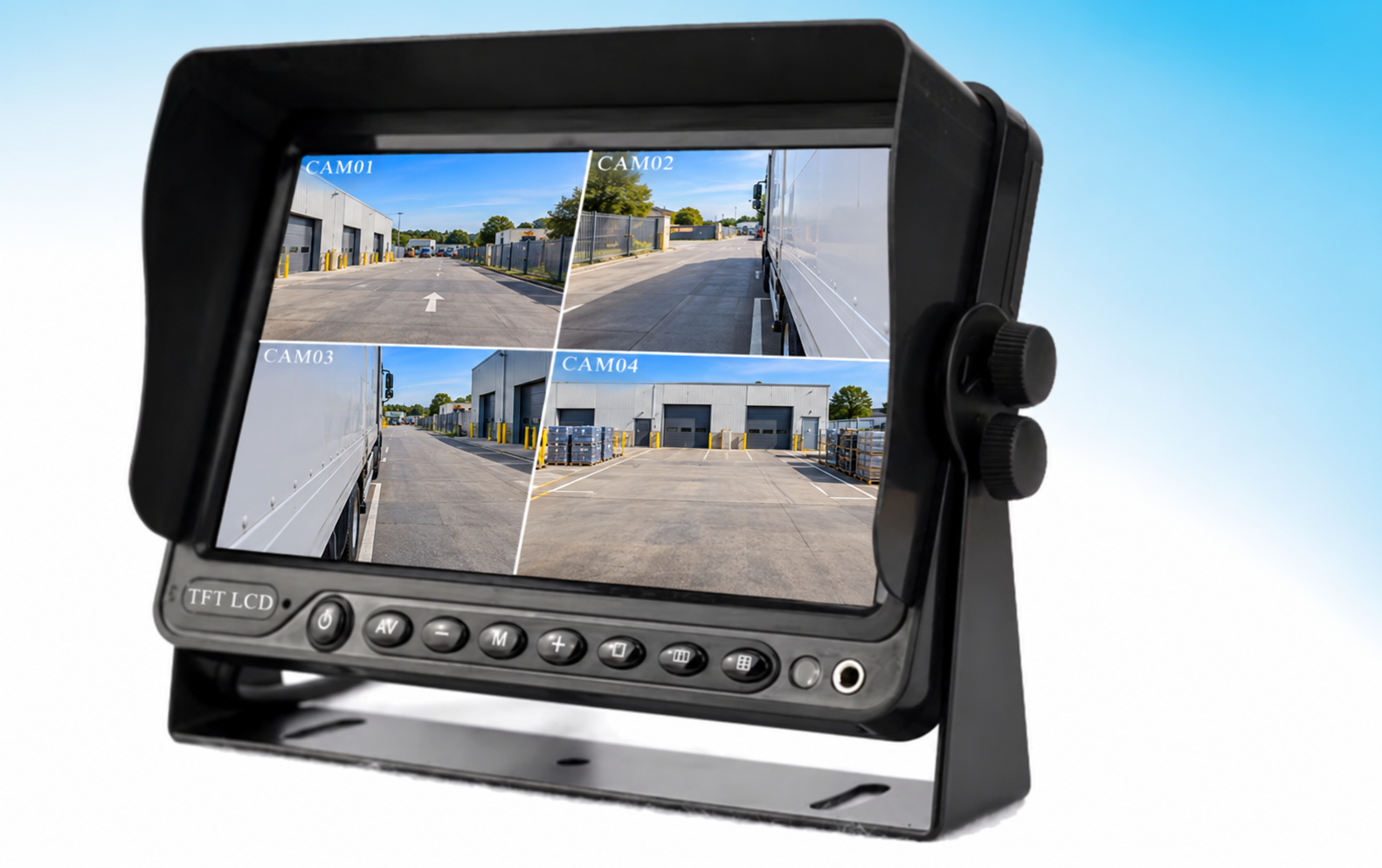
Cover image supplied for editorial illustration; it does not identify a Xinvisual customer installation.
A vehicle camera return can start with a real hardware failure, a compatibility mismatch, an installation issue, or a problem that cannot be reproduced during the first inspection. Without consistent records, distributors and manufacturers may spend time repeating basic checks without learning what happened in the vehicle.
The goal is not to reject legitimate warranty claims. It is to identify the issue sooner, protect the customer’s vehicle uptime, and give both parties enough information to resolve the claim fairly. A practical process starts before the first stock order — with a representative sample, clear product documentation, and agreed claim procedures.
Why a return needs more than a symptom description
“No image,” “intermittent,” or “camera not working” describes what the user sees, but not the conditions that produced it. A camera system includes several connected parts: camera, extension cable, connectors, monitor or recorder, vehicle power, trigger signals, and configuration. A fault can occur at any point in that chain.
The term No Fault Found (NFF) is sometimes used when an issue is not reproduced during a particular inspection. That result does not prove the customer had no problem. The original symptom may depend on vehicle power, vibration, temperature, moisture, cable routing, a specific camera channel, or a setting that is absent from the bench test. Record the test conditions and result rather than closing the case with an unexplained “no fault.”
| Reported symptom | Checks to consider | Useful evidence to collect |
|---|---|---|
| No image on one channel | Connector seating, pinout, cable continuity, camera power, monitor input and signal-format setting | Photo of connections, channel and menu settings, camera/monitor model numbers |
| Intermittent image while driving | Connector locking, cable strain, routing near moving parts, supply and ground at the device | Short video of the symptom, vehicle and installation details, when it occurs |
| Image quality is poor or unusable | Camera angle, lens condition, lighting, glare, image orientation, signal compatibility | View from the driver’s position and camera mounting photos |
| Moisture or corrosion is visible | Exact model rating, installed cable entry and connector, installation method, cleaning or exposure conditions | Photos before disassembly, product label, cleaning method and timing |
| Issue is not reproduced on the bench | Whether the bench setup matches vehicle power, cable, camera format, trigger and operating conditions | Test setup, duration, equipment used, and which original conditions were not replicated |
These are diagnostic possibilities, not predetermined root causes. The test should follow the product instructions and be performed safely by a qualified installer.
Confirm the exact configuration before placing a stock order
When evaluating a new product line, ask for specifications and compatibility information for the exact model and configuration. Do not apply a range-level voltage or certification statement to every component. Confirm, model by model:
- Electrical requirements: operating-voltage range, camera power output if applicable, fuse requirements, grounding, and any documented protection features. See the vehicle monitor reverse-polarity protection guide for a related model-specific check.
- Video compatibility: AHD or CVBS format, resolution, PAL/NTSC behavior, channel assignment, and the monitor or recorder inputs supported.
- Connectors and cables: connector type and pinout, cable lengths, mating parts, and any installation restrictions. Use the vehicle camera connector guide as a broader wiring reference.
- Environmental limits: model-specific ingress rating and temperature range, plus any conditions for the complete installed assembly.
- Included items: brackets, screws, sunshields, harnesses, remote controls, and items that must be ordered separately.
- Documentation and certifications: current documents tied to the exact SKU and target market. A manufacturer-level statement should not be treated as evidence that every model carries the same certification.
- Warranty and RMA terms: claim evidence required, evaluation steps, repair or replacement path, freight responsibilities, and how disputed or urgent cases are handled. Confirm the warranty period, coverage and claim process in the written terms supplied with the order.
For broader supplier evaluation, see Xinvisual’s OEM vehicle camera manufacturer guide. For products with different electrical designs, state the permitted range for each SKU in the quotation and installation sheet — a general “wide voltage” label is not a substitute for an exact-model specification.
Review the vehicle camera accessories category when confirming cable and mounting requirements.
Test a representative sample before stocking
A sample should match the configuration intended for sale: camera and monitor models, cable length, connector, bracket, and firmware or menu setup. Agree on a practical test plan with the supplier and installer before the sample arrives.
1. Install it using the intended instructions
Use the kit documentation and the planned installation method — fitted to a representative vehicle with the bracket, cable length and connector from the intended sales kit, not a longer bench cable. Record any step that is unclear, any tool or adapter needed, and any configuration choice the installer has to make. A stronger version of this test: ask an installer who has not seen the product to fit it using only the supplied instructions. Record any step where they guess or call for help as a documentation issue to review. Update the guide before supplying the same kit to customers.
2. Check every required camera view and channel
Test each camera with the intended monitor or recorder. Confirm the displayed image, orientation, trigger behavior, and supported signal format. If the project needs recording, verify that the expected channels are actually recorded and that the clip can be retrieved without supplier help.
3. Use the intended vehicle and operating conditions
Where practical, test the full system on the vehicle type and in the environment planned for the customer — including the vehicle’s normal cleaning routine, after which the camera, seals, cable entry and connectors are inspected and the method and products recorded. Follow the exact product instructions for cleaning, temperature, wiring, and installation. Do not exceed documented limits to create an improvised durability test.
4. Record what happened
Keep the model numbers, batch or serial information, cable and connector details, installation photos, test conditions, settings, and results together. If a problem occurs, capture a short video or photo before disturbing the installation.

Ship Documentation That Helps Prevent Avoidable Returns
Consistent documentation helps installers repeat an approved setup. Include the following with the kit or order confirmation:
- A one-page installation summary for the exact kit: vehicle types, camera positions, monitor layout, power and trigger connections
- The monitor settings the installer must configure, and how to verify each one
- Cable routing guidance and connector protection, including what to do when a connector is unmated (trailer or demountable body)
- Cleaning and maintenance notes written for the fleet customer, not the engineer
- A fault-first-check list to run on site before raising a return — power, connector seating, channel selection, settings — with the results recorded on the claim form
If a return is traced to a missing setting or unclear installation step, review the documentation and training as well as the hardware. Do not classify an unexplained NFF result as an installation error.
A fair pre-RMA diagnostic sequence
Before removing equipment, collect enough information to reproduce the reported issue where possible. Do not delay a safety-related repair while completing paperwork; prioritize making the vehicle safe and follow the fleet’s service procedures.
- Identify the equipment: model, serial or batch number, purchase date, and complete kit configuration.
- Describe the symptom: which channel or function is affected, when it occurs, whether it is constant or intermittent, and any recent vehicle or installation change.
- Document the installation: camera position, cable route, connector, monitor/recorder model, and relevant menu or trigger settings.
- Check the vehicle side: have a qualified technician verify the supply and ground at the device under the relevant operating condition, using the product’s wiring instructions.
- Check compatibility and connections: confirm signal format, pinout, channel selection, secure mating connections, and any required configuration.
- Isolate components where practical: use a known-good compatible camera, cable, or display to determine whether the symptom follows a particular part. Record each swap and result.
- Submit the evidence: provide the agreed claim form and diagnostic records, then follow the supplier’s RMA instructions.
If the issue cannot be reproduced, state what was tested and what vehicle conditions were absent. The supplier and distributor can then agree whether more field information, an alternative test, or return inspection is needed.
Track return causes consistently
Use a small set of repeatable categories so claims can be reviewed by model and configuration. Categories should describe the evidence available — not assign blame before the investigation is complete.
The codes below are a suggested internal tracking scheme, not a standardized industry classification or a warranty decision.
| Code | Category | Example description |
|---|---|---|
| INST | Installation or vehicle integration | Wiring, mounting, grounding, or routing issue supported by inspection |
| COMP | Compatibility or configuration | Signal format, pinout, channel, or setting mismatch |
| KIT | Accessory or kit mismatch | Incorrect or missing cable, bracket, adapter, or other supplied item |
| ENV | Environmental or physical condition | Exposure, impact, contamination, or cleaning condition requiring review against product limits |
| PROD | Product fault confirmed | Failure reproduced or confirmed during agreed technical evaluation |
| NR | Not reproduced | Reported issue not reproduced under the recorded test conditions |
| DATA | Insufficient information | Required model, installation, or diagnostic details are unavailable |
Review claims by product, batch, configuration, and time period — choose a review interval appropriate to claim volume. If the data is reliable, compare the number of claims with the number of units sold in the same cohort; raw return counts alone can be misleading when product volumes differ. Share recurring patterns, without customer names, with the manufacturer — for example, the same cable combination, mounting position, or symptom appearing across several cases. This gives engineering and support teams a concrete issue to investigate.
Agree on the warranty process before the first order
Agree on a returns process before placing the first order. Document how the distributor, installer, and manufacturer will handle a claim:
- What information is needed to open a claim and what can follow later
- Who performs initial troubleshooting and who authorizes a return
- How returned products are identified and inspected
- How a case is classified when the symptom is not reproduced, and who pays freight and handling in each outcome
- Whether a replacement ships on receipt, on approval, or on confirmed fault — plus repair, credit, and urgent field-replacement arrangements
- How long spares, cables, and connectors remain available after a model is superseded
- How repeated issues are escalated and reviewed
Use the actual written warranty for the product and sales market. Confirm the warranty period, replacement timing and freight arrangements in the order or distributor agreement rather than relying on general marketing statements.
Frequently asked questions
What does “No Fault Found” mean on a vehicle camera RMA?
It means the reported issue was not reproduced during the test that was performed. It does not, by itself, show that the original vehicle issue was mistaken or that the unit works under every field condition. The test setup and conditions should be recorded.
Should a distributor require troubleshooting before accepting a warranty return?
A short, agreed diagnostic sequence can help identify the issue and speed up resolution. It should not prevent a customer from reporting a legitimate fault or delay action needed to keep a vehicle safe. Follow the written warranty and RMA procedure.
Which voltage range should I specify for a commercial vehicle camera kit?
Use the specifications for the exact camera, monitor, recorder, and accessories in the proposed kit. Their input ranges may differ. Confirm wiring, camera power, and protection features for each model rather than assuming a single system-wide range.
Does an IP rating guarantee resistance to every washdown chemical?
No. Confirm the exact model’s documented ingress protection and installation conditions. Chemical compatibility is a separate question; provide the cleaning products and method to the supplier for review.
The IEC explanation of IP ratings describes enclosure protection against solid objects and liquids. Use the applicable test documentation for the exact product and treat cleaning-agent compatibility as a separate review.
Get a configuration recommendation for your stock range
Xinvisual supplies commercial vehicle cameras, monitors, wireless systems, AI blind-spot detection options, MDVR recording systems, and installation accessories. Specifications, supporting documents and kit contents vary by model.
To request a configuration recommendation or discuss a distributor stocking plan, send your vehicle type, camera positions, monitor size, and operating environment — including cleaning routine and any connector or cable-length constraints — to info@xinvisual.com, or explore Xinvisual vehicle monitors and contact the team.