

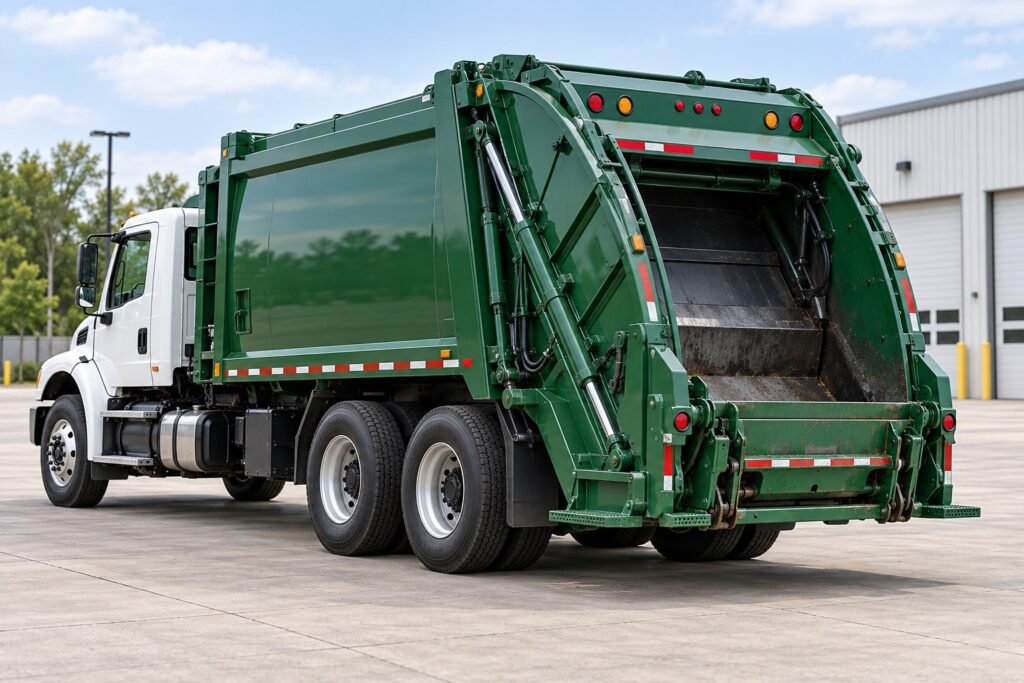
Featured image: AI-generated illustration of a rear-loading refuse truck. It does not show a customer installation or product test.
What should a waste fleet check before fitting cameras to a refuse truck? Start with the work the driver needs to see — not with a standard camera count. Rear reversing, side maneuvering, and visibility around a body or bin-lifting mechanism are different tasks. Cleaning routines, cable routes, mounting surfaces, and any recording requirement also affect the system design.
A camera system can provide a live view, detection alerts, recording, or a combination of these functions. The exact features depend on the selected cameras, monitor, recorder, wiring, and configuration. Define each requirement separately before requesting a quotation or approving a sample.
Plan Around the Refuse Truck’s Work Cycle
Waste collection vehicles stop frequently, maneuver in confined streets and depots, and may operate around pedestrians, cyclists, parked vehicles, bins, and moving body equipment. Rear-loader, side-loader, and front-loader vehicles can have different sightlines and work zones. The same camera position will not suit every body design.
The equipment may also be exposed to road spray, dirt, repeated cleaning, vibration, and contact with site materials or cleaning products. These conditions should inform the component and installation review. They do not establish a universal specification: the fleet’s actual wash procedures, vehicle design, and service practices should be documented.
Refuse Truck Camera Placement: Define Each View
Before choosing hardware, mark the vehicle drawing or installation photos with each intended camera view. Record the purpose of every channel and check that the proposed mounting position does not conflict with the body, tailgate, lifting mechanism, lighting, or maintenance access.
| View area | Example task | What to confirm |
|---|---|---|
| Rear | Reversing in a street, depot, or transfer area | Required field of view, image orientation, night conditions, and trigger behavior |
| Nearside and offside | Low-speed turns and maneuvering near people, vehicles, or street furniture | Mounting position, image coverage, monitor layout, and whether an alert function is required |
| Hopper, tailgate, or lifter work zone | Observing a bin-handling or body operation | Moving-part clearance, vibration, impact exposure, cleaning access, and whether the view is for monitoring or recording |
| Front | Viewing an area obscured from the cab during a defined maneuver | Intended target area, camera position, display behavior, and any separate compliance requirement |
| Cab display | Presenting the selected views to the driver | Screen position, glare, controls, channel switching, and compatibility with the cameras |
These are planning areas, not a prescribed layout. The vehicle body, operator workflow, direct vision, mirrors, and project requirements determine the final positions.
Check Washdown Protection Across the Installation
When a camera is exposed to regular cleaning or harsh outdoor conditions, assess the complete installation rather than the camera housing alone. Confirm the exact model’s documented ingress protection and the conditions covered by its supporting documentation. Also ask whether the rating applies to the cable entry and the installed configuration.
If the vehicle is washed with heated water, high pressure, or cleaning chemicals, provide the supplier with the actual cleaning process and products. Ask whether the proposed housing, cable sheath, connector, seals, and mounting finish are suitable for those conditions. An ingress rating by itself does not establish chemical compatibility or prove that every part of an installed system has the same protection.
Inspect how the cable exits the camera, where connectors sit, how exposed joints are protected, and whether service teams can reconnect components correctly after maintenance. For a removable connection, confirm the required sealing method when it is unplugged. Use the connector type and mating cable specified for the exact camera system.
Review Mounting, Cable Routing, and Service Access
The camera needs a stable view throughout the vehicle’s normal operating cycle. Check the bracket and mounting surface while the body or lifting mechanism moves, and confirm that the camera will not be struck by bins, tools, hoses, or routine service work.
Route cables away from moving equipment, sharp edges, hot surfaces, and pinch points. Include strain relief and practical service access in the installation plan. Confirm the connector is secured and protected from dirt and water in its installed location. The supplier or upfitter should review the full cable path, not only the connector at the camera.
After installation, verify the view with the vehicle in the relevant working positions. A camera can be electrically compatible yet provide a poor view if its mounting angle is wrong or the lens is blocked by body equipment.
Separate Live View, AI Alerts, Recording, and Remote Access
These functions solve different problems and should be specified separately:
- Live camera view: The driver sees a camera image on a compatible in-cab monitor.
- AI detection or alerts: A compatible system analyzes a defined camera view and provides configured visual or audible warnings. Confirm the target classes, detection area, installation conditions, and alert behavior for the exact model.
- Local recording: A compatible DVR or integrated recording monitor saves video to supported onboard storage. Confirm channels, recording settings, capacity, overwrite behavior, and clip export.
- Remote monitoring: A connected recorder or terminal may support remote access when the required network, software, service, and configuration are available. Confirm what is included and any ongoing service requirements.
An AI camera or warning display does not replace direct vision, mirrors, safe operating procedures, or operator training. Any system proposed for a regulatory application needs a separate vehicle-level compliance assessment; a camera or monitor specification alone does not demonstrate compliance.
For safety planning, the UK Health and Safety Executive recommends reducing or eliminating reversing where possible, supported by safe systems of work and suitable reversing aids. See its transport safety guidance for waste and recycling.
Xinvisual offers commercial vehicle cameras, monitors, AI blind spot detection options, and MDVR recording systems. Ingress ratings, input voltage, channel counts, connectivity, and recording functions vary by model. Confirm the exact model documentation and proposed configuration for the selected truck body.
Test a Representative Installation Before Rollout
Use a sample vehicle and installation that represent the intended production configuration and relevant operating conditions. Agree an evaluation period that covers representative work and cleaning cycles, along with acceptance criteria, with the fleet, installer, and supplier in advance.
During the evaluation, record:
- Whether each camera shows the intended area in all relevant vehicle positions.
- Whether the monitor presents the required channel or layout when the vehicle signal changes.
- Whether the camera image remains stable after the vehicle’s normal cleaning routine.
- Whether the bracket, cable route, connector, and seals remain secure and accessible for inspection.
- If recording is required, whether the intended channels are saved — and time how long it takes staff to retrieve and play the correct clip. Include clip retrieval time in the acceptance criteria so staff can access footage when needed.
- If AI alerts are required, how the configured system behaves in the intended detection zone and operating conditions.
Document any issue with the vehicle, camera position, settings, wiring, environmental conditions, and time of observation. This gives the supplier actionable information and avoids treating one test result as a guarantee for every vehicle or route.
Refuse Truck Camera System RFQ Checklist
Include these details in your request for quotation:
- Vehicle type, body style, and whether it is a rear-loader, side-loader, or front-loader
- Camera positions and the task assigned to each view
- Vehicle voltage and required monitor location
- Camera signal format, channel count, cable lengths, connector, and mating harness requirements
- Cleaning process, including water temperature, pressure if known, chemicals used, and cleaning frequency
- Exposure to vibration, impact, dirt, salt, or other site conditions
- Whether the system needs live display, AI warning, local recording, remote access, or a combination
- Required storage, recording behavior, retention target, and clip retrieval method if recording is needed
- Any applicable local or customer-specific compliance requirement, confirmed separately for the vehicle and market
- Sample vehicle, evaluation conditions, acceptance criteria, and responsible sign-off contacts
Distributors and installers can use the same checklist as a pre-quote worksheet. Completing it with the fleet can help clarify compatibility and installation responsibilities before quotation.
Frequently Asked Questions
Does an IP rating cover every refuse truck washdown process?
No. Confirm the rating and test documentation for the exact camera model and installed configuration. Share the fleet’s cleaning conditions with the supplier, including any heated water or chemicals, and confirm the suitability of cables, connectors, and installation points as well.
Does every refuse truck need AI camera alerts?
That depends on the vehicle, operating risks, driver workflow, and project requirements. If AI alerts are considered, confirm which targets the selected system can detect, where it will be mounted, how the detection zone is configured, and how the driver will receive warnings. Evaluate it on the intended vehicle before rollout.
Does a multi-camera monitor automatically record footage?
Not necessarily. A monitor may display camera images without recording them. If the fleet needs retained footage, specify a compatible recorder or integrated recording monitor, supported storage, channels, and retrieval method.
Does fitting a camera system make a refuse truck compliant?
Do not assume that a camera or monitor by itself provides vehicle-level compliance. Requirements depend on the vehicle, system design, installation, operating market, and approval process. Confirm them with the responsible compliance specialist or authority for the specific project.
Discuss Your Refuse Truck Camera Requirements
Xinvisual supplies commercial vehicle cameras, monitors, AI blind spot detection options, and recording systems. Available specifications and functions vary by model. Share your vehicle body type, camera positions, cleaning conditions, wiring needs, and required display or recording functions to request a project review.
Explore vehicle camera products or contact Xinvisual with your vehicle and installation details. You can also review the HGV camera monitor configuration guide for a broader RFQ and system-planning process, and the vehicle camera connector guide for connection and harness considerations.