

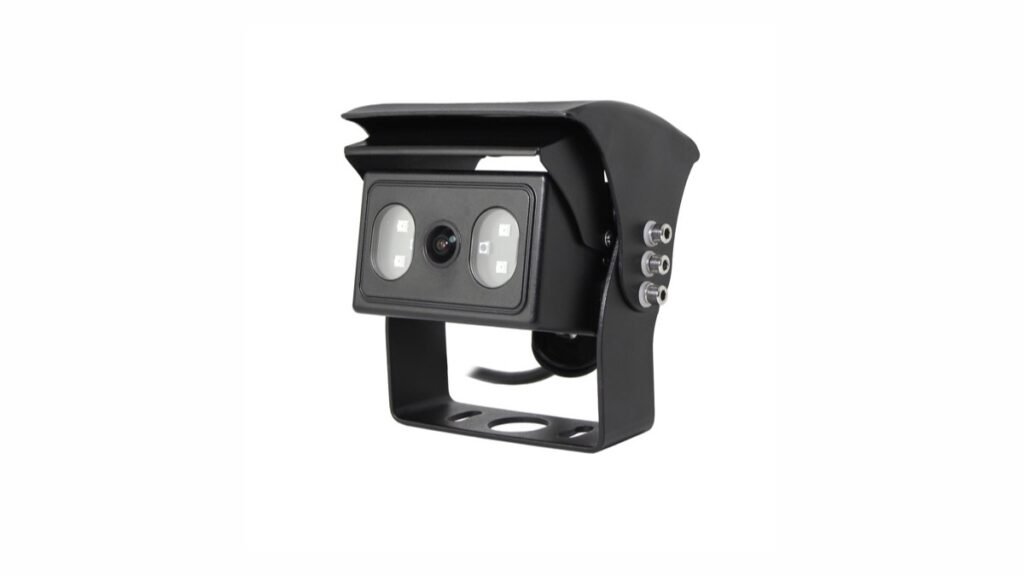
Quick Answer
Automatic gain control is often reduced to one line in a vehicle-camera specification: AGC: Auto. For a buyer, that entry is useful, but it is not a complete low-light performance statement. It confirms that the listed camera configuration uses automatic gain control. It does not confirm how much gain is available, when it is applied, how much image noise may appear, or whether the resulting picture will meet a particular fleet or installation requirement.
Available Xinvisual specifications for several vehicle-camera configurations list automatic gain control. Those same sources list other image-chain fields separately, including image sensor, resolution, frame rate, progressive scanning, white balance, backlight compensation, electronic shutter, and minimum illumination. Procurement teams should keep those fields separate as well. A camera with automatic gain control still needs to be evaluated as part of the exact camera, lens, monitor or recorder, cable, power, mounting, and lighting configuration being ordered.
This guide explains the buyer question behind AGC and provides a practical sample-approval method without turning a specification entry into an unsupported field-performance promise.
What Is Automatic Gain Control in a Vehicle Camera?
Gain amplifies the camera sensor's electrical image signal. When scene illumination falls, automatic gain control can increase signal amplification so that the image remains more visible. The adjustment is automatic rather than a fixed manual setting in the Xinvisual configurations reviewed for this article.
Amplification also affects unwanted signal variation. As gain increases, visible grain, speckling, color variation, or reduced fine detail may become more noticeable. The balance between brightness and noise depends on the complete imaging chain, not on the word Auto alone.
AGC Is Not Infrared Night Vision
Automatic gain control works with the available sensor signal. Infrared-assisted night vision uses infrared illumination and a compatible camera configuration to illuminate a scene. These are different functions. A camera can list automatic gain control without confirming that it includes infrared LEDs, a particular infrared distance, or a particular day/night switching behavior.
If night operation matters, record AGC, minimum illumination, infrared configuration, day/night behavior, lens, and sample scene as separate approval lines. Do not use the AGC field as a substitute for an exact night-vision specification.
AGC Is Not Minimum Illumination
Minimum illumination is normally stated as a lux-related specification under defined conditions. AGC describes signal amplification behavior. A minimum-illumination entry may be influenced by lens aperture, infrared status, gain, shutter behavior, and the manufacturer's measurement conditions. The available product files do not establish one universal test method across every camera configuration, so buyers should not rank unrelated cameras from a single number without checking the source conditions.
AGC Is Not Backlight Compensation
Vehicle camera backlight compensation addresses a scene where a bright background can make the main subject too dark. Automatic gain control adjusts signal amplification. The two controls may both affect the visible result, but they solve different image problems. A loading-bay entrance, for example, can involve low interior light, a bright exterior, moving subjects, and changing exposure at the same time. A useful test records brightness, highlight retention, shadow detail, color, and noise separately.
Why the AGC Field Matters to Commercial Vehicle Buyers
Vehicle cameras often operate in scenes that change during a shift. A truck may move from an open yard into a warehouse. A forklift may travel between a bright loading door and a darker aisle. A side-view camera may face street lighting, reflective surfaces, or deep shadow. A reversing camera may need to show both vehicle structure and the working area behind it.
In each case, the operator needs a usable image rather than the brightest possible image. Excessive amplification can make a dark scene look brighter while reducing the clarity of edges or adding visible noise. Insufficient amplification can leave relevant areas too dark. The correct purchasing decision therefore depends on the intended viewing task and an agreed acceptance method.
The reviewed Xinvisual sources confirm an automatic AGC mode for specific configurations. They do not state a selectable gain range, gain value in decibels, adjustment speed, noise threshold, signal-to-noise result, or universal low-light performance guarantee. Those points remain unconfirmed and should not be included as contractual claims unless the exact product and test evidence are supplied.
Application Scenarios and Test Priorities
Reversing at Yards and Loading Areas
Test the view at the actual camera height and angle, using representative yard lighting and the intended monitor. Include vehicle edges, dock markings, people-sized targets, and dark objects. Check whether the scene remains understandable without relying only on overall brightness.
Forklifts Moving Between Aisles and Doorways
Use a route that includes both stable low light and a transition near a bright doorway. Record whether the image becomes noisy in the darker zone and whether it recovers consistently after the lighting changes. This is a typical application scenario, not a claim about a completed Xinvisual customer installation.
Side and Blind-Spot Views
Place moving targets at the distances and directions relevant to the mounting position. A broad field of view can make a person or vehicle appear smaller on screen, so evaluate recognizable shape and motion rather than brightness alone. Keep any AI detection or warning validation separate from ordinary video-image approval.
Recording Through an MDVR
Review both the live image and recorded playback. Compression, recording resolution, frame rate, playback display, and export settings can change the visible noise and fine detail. Approving a direct monitor image does not automatically approve the recorded evidence path.
Technical Solution: Build a Controlled AGC Sample Test
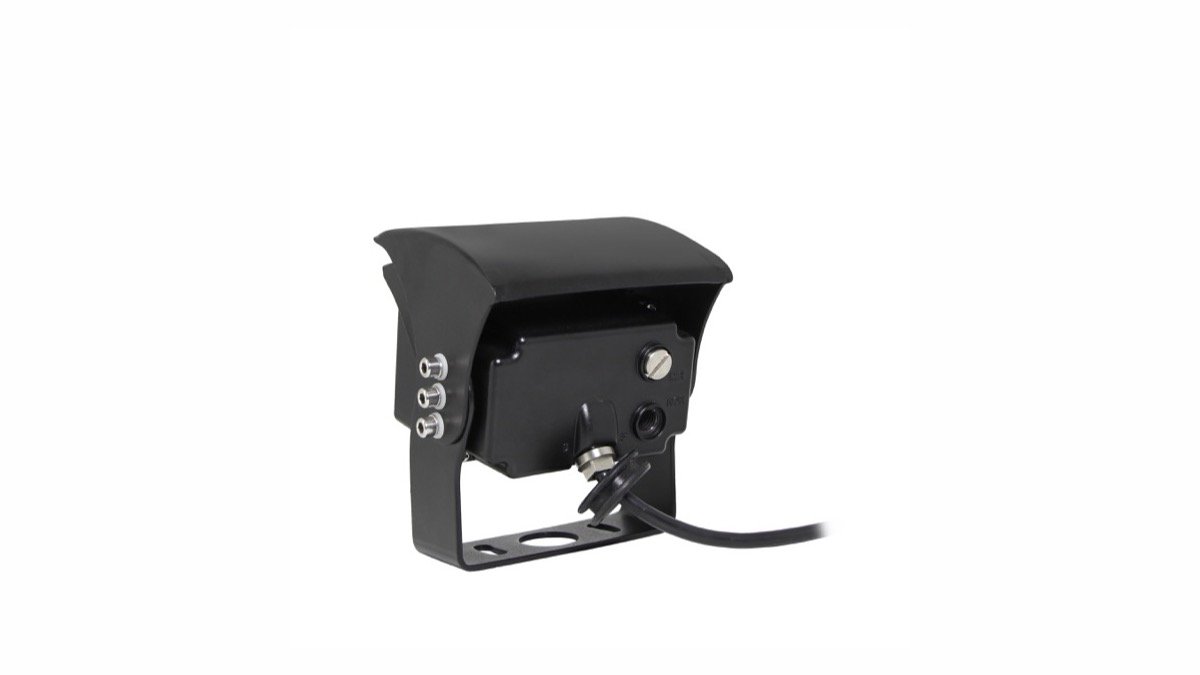
1. Freeze the Camera Configuration
Record the exact quoted camera version and specification revision. At minimum, capture the listed sensor, resolution, frame rate, video format, lens or viewing angle, image orientation, connector, power requirement, minimum illumination, infrared configuration, electronic shutter, white balance, backlight compensation, and AGC mode.
Do not combine the AGC field from one sheet with the sensor, lens, or low-light values of another product. The approval record should describe one deliverable configuration.
2. Control the Receiving and Power Path
Use the intended monitor or MDVR input, the planned cable and connector arrangement, and a stable power source. Keep display brightness, contrast, color, and sharpness settings unchanged between comparisons. If the monitor, recorder, cable, or settings change, the visible result may not be attributable to the camera.
3. Define Representative Light Levels
Create at least three repeatable scenes: normal daytime or indoor working light, a lower-light scene that still represents the application, and a lighting transition. Record how the scene was produced. A lux meter can improve repeatability, but the measurement position and equipment should be documented rather than presented as a universal factory result.
4. Use Stable Visual Targets
Include a neutral light object, a dark object, straight edges, textured material, and a moving target. Keep target position and camera distance fixed. This makes it easier to distinguish useful detail from simple brightness amplification.
5. Evaluate More Than Brightness
For each scene, record:
- Visibility of the required target
- Edge and texture detail
- Grain or speckling in flat dark areas
- Color stability where color is relevant
- Bright-area clipping
- Dark-area visibility
- Motion smear
- Recovery after a lighting transition
- Differences between live display and recorded playback
Use approved sample images or short video clips as a reference for the production configuration. Avoid subjective labels such as "excellent night vision" unless they are replaced by a defined, repeatable acceptance criterion.
How to Select a Camera and System
Start with the viewing task. A reversing system may prioritize nearby object visibility and image orientation. A side-view system may prioritize field of view and moving-target recognition. A recording system must preserve useful detail through the MDVR and playback path. An AI camera system requires separate validation of detection and warning behavior.
Then compare the exact options in the commercial vehicle cameras range and confirm compatibility. The camera's image sensor, video signal, resolution, frame rate, connector, pinout, power requirement, and image orientation must match the monitor or recorder. AGC cannot correct an incompatible signal path, an unstable power supply, a poor connection, an unsuitable viewing angle, or a badly positioned camera.
Finally, approve the exact sample under representative conditions. Where several cameras will be used on one vehicle, compare them through the same receiving device. If similar low-light appearance between channels matters, state that requirement and save the approved configuration. Automatic AGC does not guarantee identical brightness or noise between different camera models.
Common Buyer Mistakes
Treating Auto as a Performance Grade
Auto describes the control mode. It does not provide a gain range, noise result, response time, or guaranteed night image.
Comparing Samples Through Different Displays
Two cameras viewed through different monitors or recorder channels cannot be compared fairly unless the display and signal paths are controlled.
Approving Only a Bright Static Scene
A bright bench image does not show low-light noise, moving-target detail, transition recovery, or recorded playback quality.
Confusing AGC With Every Other Low-Light Feature
AGC, infrared illumination, minimum illumination, electronic shutter behavior, backlight compensation, white balance, lens aperture, and display settings are related but separate specification and test items.
Assuming One Sample Represents Every Configuration
Sensor, lens, firmware, infrared hardware, connector, signal format, and receiver can vary. Keep the approved sample tied to the quotation and production specification.
Buyer Checklist
- Exact camera configuration and specification revision recorded
AGC: Autoconfirmed for the quoted version- Sensor, resolution, frame rate, and signal format confirmed
- Lens or viewing angle and image orientation confirmed
- Minimum illumination and infrared configuration treated as separate fields
- Electronic shutter, white balance, and backlight compensation recorded separately
- Monitor or MDVR compatibility confirmed
- Connector, pinout, cable, and power requirements confirmed
- Normal-light, low-light, and transition scenes defined
- Static and moving targets included
- Live view and recorded playback checked where applicable
- Noise, detail, clipping, color, and recovery documented
- Approved sample evidence tied to the production configuration
- Unconfirmed gain range or performance claims excluded from the purchase specification
FAQ
Does AGC: Auto mean the camera has strong night vision?
No. It confirms an automatic gain-control mode for the listed configuration. Night performance also depends on the sensor, lens, available light, infrared configuration, shutter behavior, image processing, receiving device, and installation.
Can two cameras with automatic AGC produce different images?
Yes. The Auto label does not make sensor, lens, processing, infrared hardware, or gain behavior identical. Compare exact samples through the same signal and display path.
Should the buyer ask for a gain value in decibels?
Ask whether a model-specific gain range and test method are available if the value matters to the project. The Xinvisual files reviewed here confirm Auto mode but do not provide a universal gain range, so no numerical claim is made in this article.
Is a dark-room test enough for approval?
No. Include representative working light, low light, transitions, moving targets, and the intended monitor or recorder. A completely dark test may evaluate infrared behavior, but it does not replace the broader application test.
Copyable RFQ Template
Vehicle type and application:
Camera position and viewing task:
Expected normal-light and low-light conditions:
Required lighting-transition scenario:
Monitor or MDVR model/input:
Video format and connector:
Power requirement:
Infrared requirement, if any:
Estimated order quantity:
Sample approval criteria:
Request an AGC Sample Configuration Review
Already have a camera specification or project requirement?
Send Xinvisual Electronics your vehicle type, camera position, expected lighting, required viewing task, receiving device, signal format, connector preference, power information, and estimated quantity. The team can identify a configuration for sample evaluation and prepare a compatibility checklist before bulk ordering.