

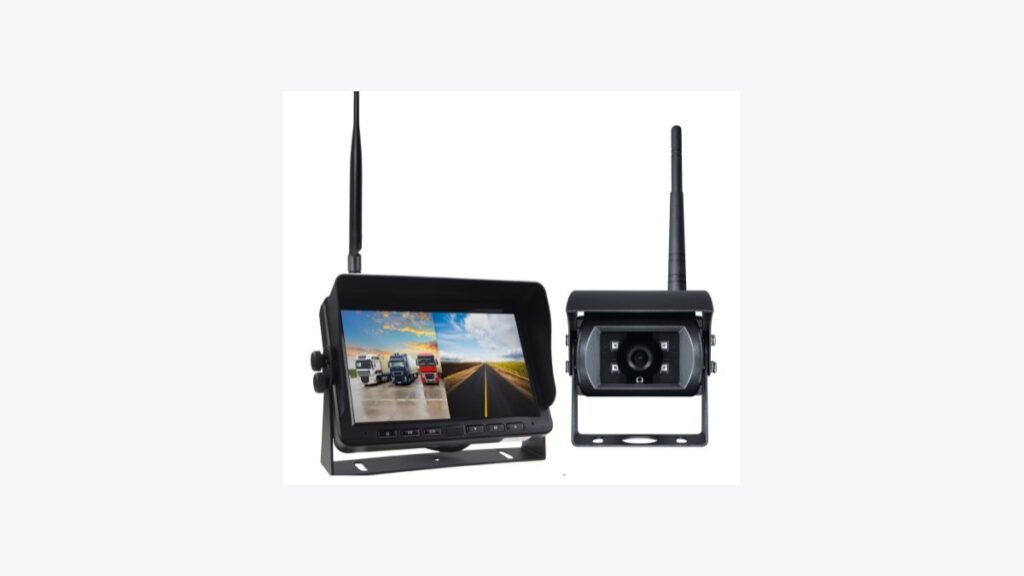
A wireless camera can show a clear rear view on a bench and still feel slow when a driver changes direction beside a loading dock. The practical purchase question is: how much time passes between a visible event in front of the camera and that event appearing on the monitor in the exact configuration you will install?
Quick Answer
Wireless vehicle camera latency should be tested across the complete camera-to-monitor path, not inferred from radio range, frame rate, or a supplier’s unqualified delay figure. Freeze the exact camera, receiver, monitor, display mode, antenna layout, power path, and settings. Then record one visible source event and the receiving screen in the same external video, compare several trials, and retain the result with the approved sample configuration.
This interval includes image capture, processing, wireless transmission, decoding, and display. Buyers comparing wireless vehicle camera systems should agree on an end-to-end method and test the ordered sample under representative installation conditions.
What Does Wireless Vehicle Camera Latency Include?
Define the start and end points before comparing results. For a live-view purchase, start at a visible event in the camera’s field of view and end when that event first appears on the driver’s monitor. This is often described as glass-to-glass delay. It is different from radio-link delay, network ping time, recording-file timing, or the time between selecting reverse gear and the monitor switching channels.
A project may need more than one measurement. A reversing view may require both trigger-to-view switching time and camera-to-monitor delay after the view is active. Test and report them separately. The vehicle monitor trigger-wire guide explains the switching path; it should not be used as a substitute for the live-video latency test.
Recording, remote app viewing, and AI alarm paths add their own processing stages. Do not transfer a live-monitor result to those paths without a separate test.
Why a Listed Delay Figure Is Not Enough
One reviewed Xinvisual wireless camera and receiver specification includes a latency field for that documented configuration. It does not state the end-to-end test boundary, measuring equipment, display mode, or installed radio conditions. Treat the field as a configuration question to verify on the ordered sample, not as a result that applies to every Xinvisual wireless system or vehicle.
Wireless transmission distance is also a separate field. An open-area range statement does not establish delay, stability, or recovery behavior in a truck, trailer, forklift, warehouse, or yard. Frame rate is separate again. The vehicle camera image-sensor guide explains why camera-stage and displayed-output specifications must remain distinct.
Application Scenarios
The following are typical application examples, not Xinvisual customer projects or measured field results.
Reverse View on a Truck or Trailer
The driver needs a live view when maneuvering near a dock. Test the camera-to-monitor path while the reverse view is already selected, then test gear-trigger switching separately. Also confirm that the installed camera covers the required target area; a fast view aimed at the wrong area does not solve the visibility task.
Forklift Mast or Rear View
An operator may use a wireless view to see a fork tip, load edge, or rear travel area. Measure delay with the camera at its intended mounting point, including representative mast positions and normal site activity. Define acceptance for the actual task. This guide does not prescribe a universal millisecond limit or suggest that a camera replaces direct observation, training, or site procedures.
Agricultural or Construction Equipment
A camera and monitor may be separated by vehicle structure, moving parts, or a long cabin-to-implement path. Repeat the test in the expected operating positions. Record any image freeze, reconnection, or change in delay when the path is obstructed.
A Repeatable Camera-to-Monitor Latency Test
1. Freeze the Exact Sample Configuration
Record the camera and receiver versions, firmware if available, monitor model, display mode, camera count, resolution and frame-rate setting, antenna positions, supply voltage, and any recording or split-screen setting. Identify whether the image is viewed directly on a wireless monitor or routed through another device. Measure the path the buyer intends to use, not a convenient demonstration path.
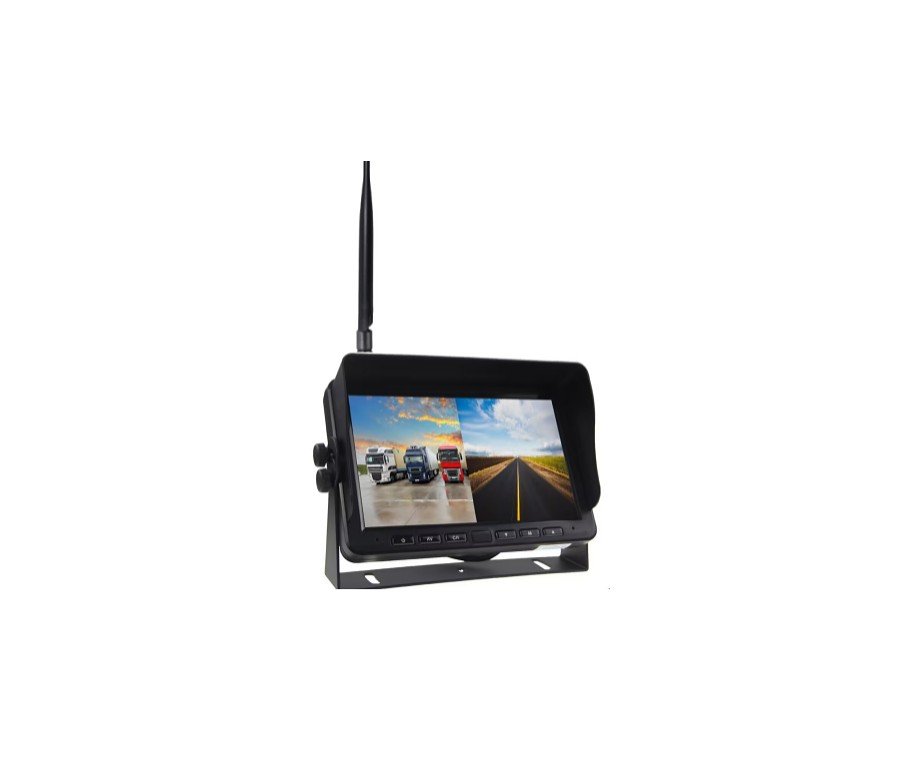
If the system can switch between single and split views, test every mode required by the order. A mode change can alter processing or display behavior; do not reuse one mode’s result as proof for another.
2. Record the Source Event and Monitor Together
Place a simple visible event, such as an LED that can be switched on and off, in front of the camera. Put the receiving monitor in the same external recording as the real event. Record both with one external camera at a known frame rate.
In the recording, count the frames between the source event changing and the corresponding change first appearing on the monitor. Convert the frame count to elapsed time using the external recording frame rate, and keep the clip for review.
The external camera’s frame rate limits measurement precision. A low-frame-rate phone recording may support a rough comparison but cannot justify a fine distinction between close targets. If the project has a formal acceptance limit, agree on recording equipment, event timing, sampling rate, and uncertainty before testing.
3. Repeat Under Representative Conditions
Run several trials with the same event and retain the individual values as well as the observed range. Repeat at the intended camera and monitor positions and in representative vehicle orientations. Include nearby equipment activity when it is part of normal use. Record visible freezes, dropped views, reconnection behavior, and large outliers instead of removing them from the average.
Keep the vehicle stationary during initial testing. Any operational trial should follow the buyer’s own site and vehicle procedures. The test is an acceptance tool for a video path, not evidence of accident prevention.
4. Compare Samples on Equal Terms
Use the same event, recording method, display mode, target area, vehicle layout, and power conditions for each sample. A comparison is weak if one system is tested in single view on a bench while another is tested in split view behind metal bodywork. Record image quality and stability beside delay: a fast but unusable image does not satisfy the viewing task.
Ask the supplier which boundary any quoted latency figure covers. Is it camera encoder to receiver, camera lens to monitor display, or another path? Request the test setup and configuration. If those details are unavailable, mark the figure as unverified for the purchase configuration and use the agreed sample test to make the decision.
Buyer Checklist for Sample Approval
- Viewing task: Define the vehicle, camera position, required target area, and normal operator viewing position.
- Exact hardware: Record the camera, receiver, monitor, firmware, antennas, connectors, and power path.
- Operating mode: Match the ordered camera count, display layout, resolution, frame rate, and recording setting.
- Test recording: Capture the source event and monitor in one external recording with a known frame rate.
- Repeated results: Retain individual trials, the observed range, and any freezes or reconnections.
- Installation conditions: Distinguish bench, open-area, and installed positions.
- Separate timings: Measure trigger-to-view switching and live camera-to-monitor delay separately where required.
- Acceptance rule: Agree on the limit, equipment, method, and uncertainty before pass/fail judgment.
- Approval record: Attach the approved configuration, test clips, conditions, and unresolved differences to the purchase record.
FAQ
Does a product-sheet latency number guarantee the same delay in an installed truck?
No. A listed figure may apply to one configuration and test boundary. Confirm the method, then measure the ordered camera, receiver, and monitor in the intended layout.
Is wireless transmission distance the same as latency?
No. Distance describes a radio-link condition; latency describes elapsed time through the viewing path. Test both where relevant. An open-area distance statement does not establish delay or stability at a particular worksite.
Can a phone slow-motion clip measure camera-to-monitor delay?
It can support a basic comparison if the real source event and monitor are visible in one continuous recording and the recording frame rate is known. For a tight numeric acceptance limit, use a documented method with adequate timing resolution and report uncertainty.
Should the buyer test delay while recording or using split screen?
Yes, when those functions will be active in the ordered configuration. Test each required mode rather than assuming one single-view result applies to every mode.
What if the delay varies between trials?
Keep the full set of results. Variation, freezes, and recovery behavior may matter more to a live-view task than one favorable trial. Agree on the acceptance rule before judging the sample.
Request a Wireless System Sample Review
Already have a target configuration or delay requirement? Send Xinvisual the vehicle type, camera position, target view, working layout, display mode, number of cameras, recording requirement, estimated quantity, and proposed acceptance method. We can review the configuration match and identify which conditions still require sample confirmation.
Safety note: A camera and monitor can support visibility, but they do not replace direct observation, trained operation, site controls, or the buyer’s own safety procedures.