

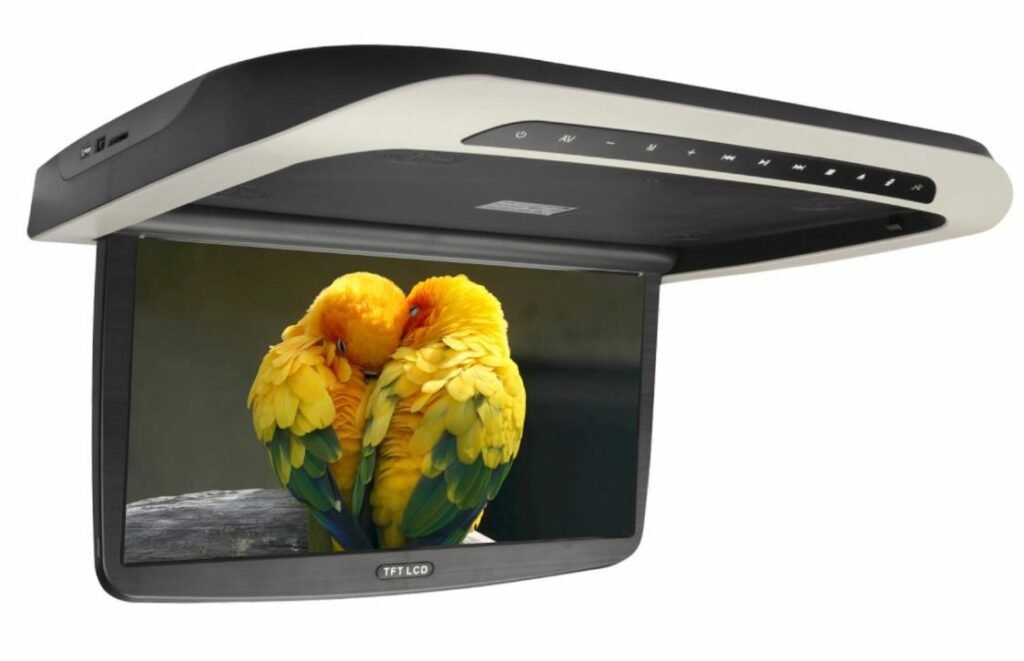
A roof monitor responds on the workbench, but misses commands once installed above the passenger seats. Does it need a longer-range remote, or has the installation changed how the signal reaches the receiver?
For buyers comparing roof-mounted monitor remote control range, the useful question is whether the supplied remote works from the required operating positions. A maximum-distance figure alone cannot answer that.
This guide gives distributors, installers, fleet managers, and OEM engineers a practical sample-approval method. Test in a safely parked vehicle, using the intended installation and the exact remote supplied for that model.
What Determines Remote Control Range?
First confirm whether the remote uses infrared (IR), radio frequency (RF), or another control method. Do not assume that a monitor with IR headphone audio also uses the same technology for its remote.
For an IR system, emitter output, receiver sensitivity, ambient light, and the optical path affect reception. Reflections can help signals reach a receiver indoors, which also means a successful room demonstration may not represent the installed cabin. Vishay’s IR transmission overview explains these variables.
Record any supplier range claim together with its test conditions. Ask about aiming direction, lighting, remote battery condition, and receiver position. If no verified distance is available, agree on a test from the seats that matter to the project.
Match the Test to the Vehicle Application
- Buses and coaches: Check the attendant’s position and whether one handset affects multiple displays.
- Vans and shuttle vehicles: Check rear seats with reclining chairs in their normal positions. Look for obstruction from tall headrests, partitions, or ceiling trim.
- RVs and vehicle conversions: Check the intended seating area with rooflight blinds open and closed, as well as under normal evening cabin lighting.
Identify who will operate the system. Do not design passenger-entertainment controls around a driver turning to aim at a screen while driving.
A Practical Installed Remote Control Test
1. Establish a Baseline
Use the supplied remote with the specified battery type and correct polarity. Confirm the receiver location with the manufacturer. Check for packaging film or installation materials covering that area.
Start close to the monitor with an unobstructed signal path and verify each required command. Include power, menu navigation, source selection, and volume where supported.
For motorized models, follow the model’s operating instructions and keep the movement area clear. During normal opening-and-closing cycle checks, allow each movement to finish before sending the next command. Test any supported stop or reverse function separately according to the manual.
2. Test from Normal Operating Positions
Move to each designated seat or attendant position. Hold the remote as an operator normally would, rather than standing in the aisle to obtain a better angle.
For IR models, compare direct aiming with the normal seated angle. Record the receiver-to-remote distance, screen position, and any obstructions. If the operator must reach around a seat to make the remote work, document that limitation before approving the layout.
3. Repeat Under Different Lighting
Compare shaded conditions with daylight falling on the receiver area. An official roof-monitor manual illustrates why this matters: it instructs users to aim toward the front panel and notes that direct sunlight may affect operation. The exact behavior of your selected monitor still requires testing.
Keep the seat, remote, and screen position unchanged when comparing lighting. Note whether window shades change the result, and repeat with the installed cabin lights on.
4. Check Screen Positions and Multiple Monitors
For flip-down models, test normal open positions and, where supported, remote operation while closed. Do not assume the receiver remains accessible in every position.
With multiple displays powered on, send commands to each intended target and observe the others. Identical units may respond to the same commands; confirm whether the project needs shared control or individual control. Ask about addressing or alternative controls before assuming those features are available.
Blank Cabin Acceptance Test Record
Record the monitor model, remote part number, battery condition, and test date above the sheet. Complete one row for each seat, lighting condition, and command being checked. Enter measured distances where available and mark estimates as estimates.
| Seat / Distance | Aiming / Obstructions | Lighting | Screen State / Command | Successes / Attempts | Notes |
|---|---|---|---|---|---|
| Seat 1: ___ / ___ m | ___ | ___ | ___ | ___ / ___ | ___ |
| Seat 2: ___ / ___ m | ___ | ___ | ___ | ___ / ___ | ___ |
| Attendant: ___ / ___ m | ___ | ___ | ___ | ___ / ___ | ___ |
| Multi-screen check: ___ | ___ | ___ | ___ | ___ / ___ | Other screens responding: ___ |
This is a project test plan, not a certification procedure. Agree on the commands, repetitions, and acceptance criteria before testing; record actual results rather than describing a single successful press as reliable operation.
If a Flip-Down Monitor Remote Is Not Working
Change one variable at a time. Check the specified battery and handset compatibility, then retest close to the confirmed receiver. Compare shaded and sunlit conditions, inspect the signal path, and check whether the issue follows the handset or the monitor using a manufacturer-approved replacement.
Where onboard buttons are provided, compare their operation with the remote. If buttons work but remote commands fail, investigate the remote-control path first. If both fail, check monitor power and operating state, including ignition-controlled power where applicable. Avoid opening the unit or adding an IR extender without manufacturer approval.
If response changes between shade and sunlight, optical interference is one possible cause. Repeat the comparison without changing the seat or screen position; the symptom alone does not establish receiver saturation.
Using a Phone Camera to Check an IR Handset
First use a known working IR remote to confirm that the camera can display infrared light. Some phones filter it out, so a lack of visible light is inconclusive unless the camera has been checked. Then point the supplied IR handset at that camera and press a button. Sony’s IR remote testing guide describes this preliminary check.
A visible flash only indicates infrared emission. It does not confirm correct command coding, compatibility, or usable range. This check does not apply to RF-only remote functions.
Buyer Checklist and Production Handover
- Confirm the remote type, handset part number, and battery specification.
- Obtain the receiver location and any documented range test conditions.
- Approve operation from every required cabin position.
- Check daylight, obstructions, and supported screen positions.
- Confirm shared or individual control in multi-screen installations.
- Verify accessible onboard controls where provided, and replacement-remote supply.
- Keep the approved monitor, supplied remote, mounting hardware, and installation photos as a reference.
- Record the handset part number and battery specification in the order documentation.
- Agree which changes to the remote, receiver position, firmware, or mounting layout require repeat testing.
Frequently Asked Questions
What is a good remote control range for a roof-mounted monitor?
It is the range that covers the required operating positions under agreed cabin conditions. Request model-specific evidence instead of applying one distance to every vehicle.
Can sunlight affect an infrared remote?
Yes. Ambient light can interfere with IR reception. Compare the same operating position in shade and daylight to establish the selected model’s behavior.
Can one remote control several roof monitors?
Possibly, depending on the command codes and configuration. Test all installed screens together; individual screen control should be confirmed before ordering.
Does remote operation prove that every playback function is supported?
No. A command must match both the monitor and the active source. Confirm the required functions separately for HDMI sources, built-in playback, or other inputs.
Confirm Your Roof Monitor Control Requirements
Xinvisual Electronics offers roof-mounted monitor options for passenger-vehicle projects. Its listed 15.6-inch motorized flip-down monitor includes remote and onboard button controls; confirm the exact configuration for your order.
Send your vehicle layout, monitor positions, required operating seats, input sources, and estimated quantity. Contact Xinvisual Electronics to review model-specific controls and agree on a sample test before bulk purchasing.