

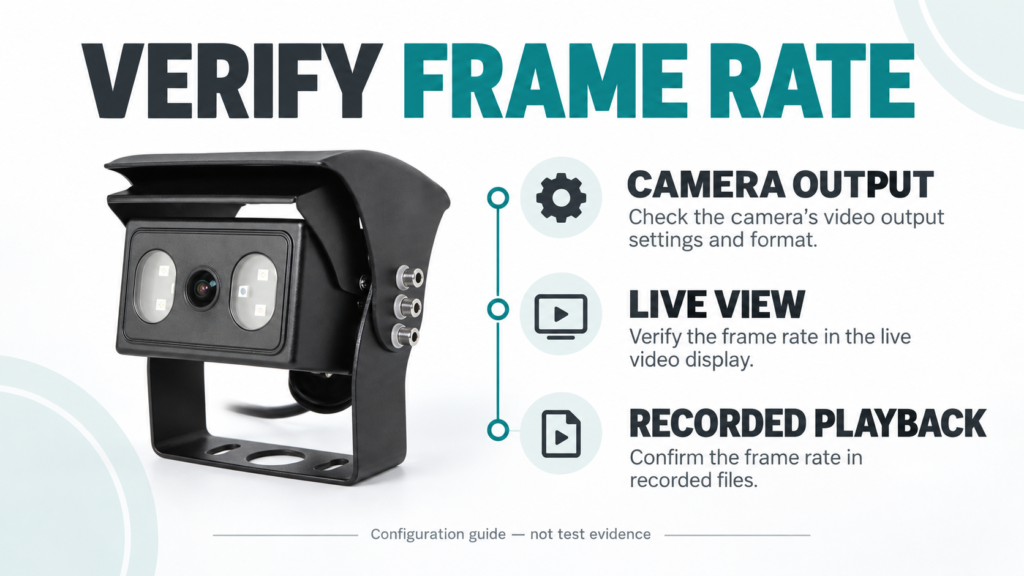
Frame rate is easy to compare and easy to misread. A buyer sees 20 FPS, 25 FPS, or 30 FPS in a camera specification and may assume that the highest number will automatically produce the best vehicle view. The installed result is more complicated.
Frame rate describes how many image frames are produced or transmitted each second. More frames can provide more frequent visual updates when the complete system supports them, but the number does not define resolution, exposure time, wireless delay, monitor compatibility, recorded playback, AI accuracy, or night performance.
Available Xinvisual specifications show this clearly. One wired camera reference lists 25 and 30 under Frame Rate. A separate AI-camera reference lists 25 FPS. A digital wireless camera reference lists 20 FPS and records its encoding, output-resolution modes, and maximum latency as separate fields. Buyers should therefore approve the exact camera-to-display or camera-to-recorder path rather than selecting from the FPS line alone.
What Frame Rate Means in a Vehicle Camera System
Frames per second, abbreviated FPS, is the number of individual images in one second of video. At the system level, however, several stages can affect what the operator sees or what the recorder stores:
- the camera's listed frame-rate configuration;
- the camera signal or encoded stream;
- the wired or wireless transmission path;
- the monitor, receiver, or recorder input capability;
- the live-view or split-screen mode;
- the recorder's channel and storage settings;
- the playback device and exported file.
The source files used for this article do not provide one common measurement method for end-to-end displayed or recorded FPS. They also do not document dropped-frame behavior, variable frame rate, processing delay, or motion-quality scores. Those results must be checked on the selected system.
Available Xinvisual Frame-Rate Examples
The following table summarizes only confirmed fields from three available Xinvisual specifications. The examples are not a ranking.
| Reference Configuration | Confirmed Frame-Rate Field | Related Confirmed Fields | Buyer Action |
|---|---|---|---|
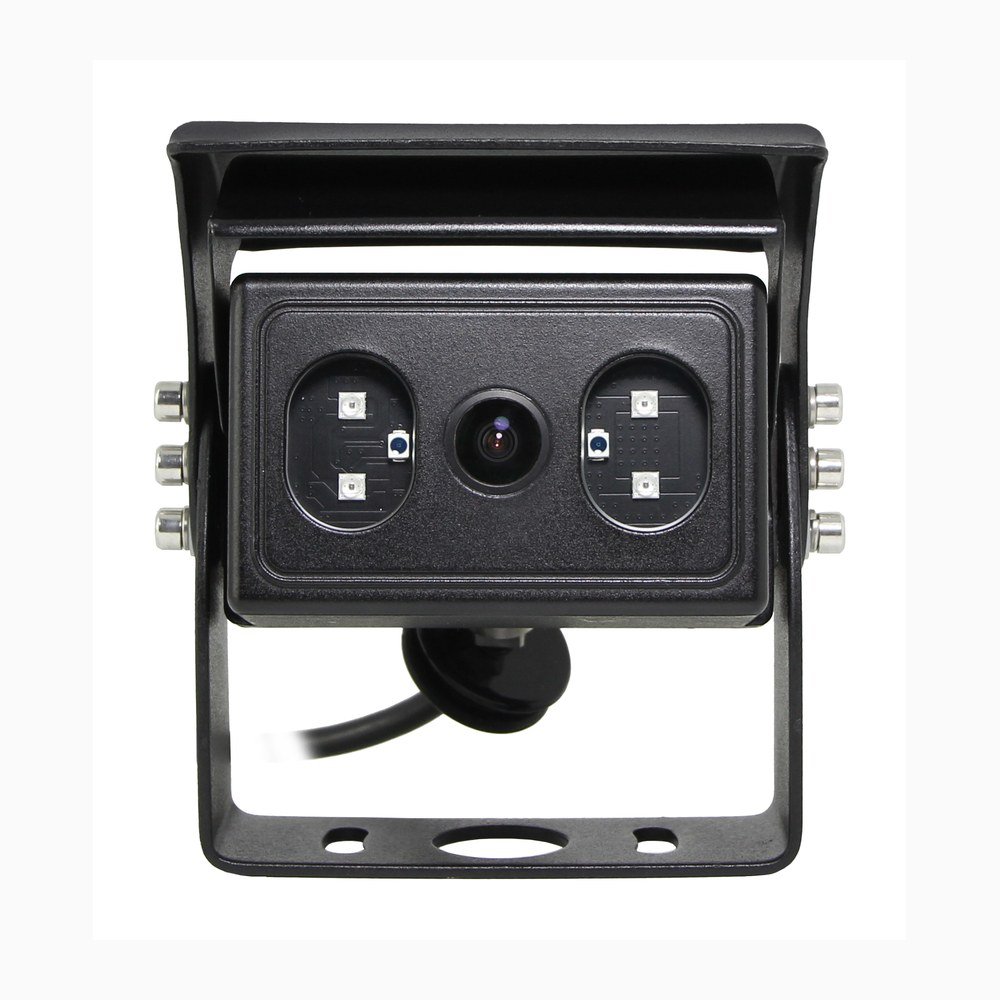
| Wired 1080P AHD camera reference | 25 and 30 listed under Frame Rate | Progressive scanning; selected 1920 x 1080 effective pixels; 1.0 Vp-p, 75-ohm video output | Confirm which frame-rate version is quoted and match the receiving monitor or recorder before sample approval. |
| 720P AI-camera reference | 25 FPS | 1280 x 720 effective pixels; progressive scanning; 1.0 Vp-p, 75-ohm video output | Evaluate video and any AI detection or alarm behavior as separate acceptance items. |
| Digital wireless camera reference | 20 FPS | 1920 x 1080 sensor array; H.264 encoding; HD 1280 x 704 for 1T/2T and VGA 640 x 480 for 4T; latency listed as 180 ms maximum | Test the exact transmitter, receiver, channel mode, monitor, and operating environment. Do not infer latency or output resolution from FPS. |
These records show why the complete configuration matters. A 20 FPS wireless path includes radio, encoding, receiver, and mode-dependent output fields that are not present in the same way on the wired AHD reference. The 25 FPS AI reference also has a different purpose from a general wired camera. Compare like with like and preserve the source context.
Typical Application Scenarios
Reversing and Side-View Systems
A rear or side camera may show a vehicle corner, curb, wheel path, loading-bay edge, or person-sized target near the body. The useful question is whether the operator can interpret that target during the expected maneuver. A frame-rate number cannot correct a poor mounting angle, unsuitable lens, weak source image, incompatible signal, or badly positioned monitor.
Use the vehicle camera category to identify suitable camera configurations, then test the exact camera, cable, monitor, mounting position, and display mode on a representative vehicle.
Wireless Forklift or Industrial Vehicle Systems
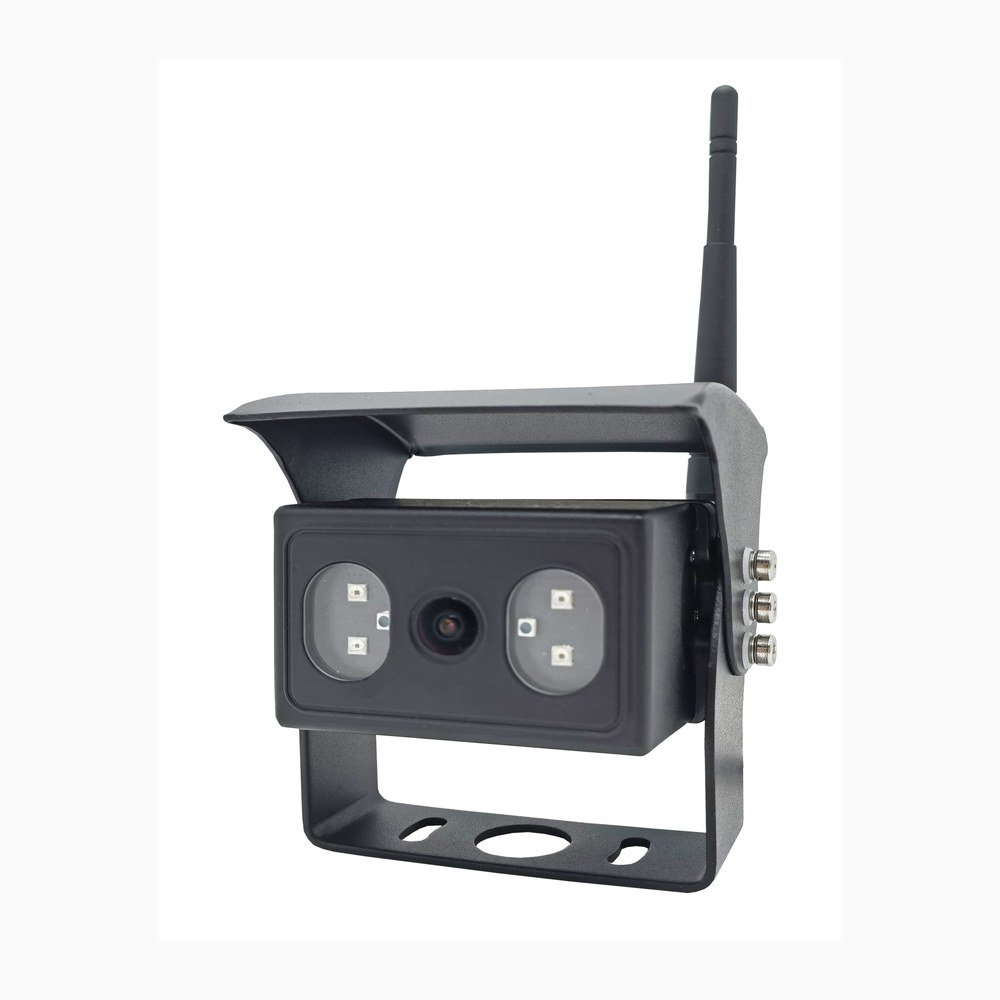
Typical wireless applications may use a camera where a long cable route is impractical. The reviewed wireless specification lists 20 FPS together with H.264 encoding, mode-dependent output resolutions, and 180 ms maximum latency. These are separate fields. The listed frame rate does not prove radio stability, actual installed delay, or performance through racks, loads, vehicle structures, or local interference.
The wired versus wireless vehicle camera guide owns the broader transmission decision. For sample approval, use the intended transmitter, receiver, antenna position, channel mode, monitor, and worksite route.
AI Blind-Spot and Detection Cameras
The reviewed 720P AI-camera reference lists 25 FPS, but frame rate does not establish detection accuracy, classification range, false-alarm rate, alarm timing, or regulatory compliance. Evaluate the video path first, then define a separate test for every claimed AI or alarm function using configuration-specific evidence.
MDVR Recording and Playback
Live camera output and stored video are different approval points. A recorder can have channel, resolution, encoding, and storage settings that affect the saved result. Confirm the camera field, recorder input, per-channel recording configuration, live view, stored playback, and export file. Do not assume that the camera's listed FPS is automatically retained at every later stage.
Technical Considerations Before Selection
1. Frame Rate Is Not Resolution
Resolution describes image dimensions; frame rate describes image updates over time. A 1080P label does not state FPS, and an FPS value does not state the delivered resolution. The wireless source, for example, lists a 1920 x 1080 sensor array but separate mode-dependent output resolutions. Record both fields.
The vehicle camera image-sensor guide explains why sensor information and delivered output must remain separate.
2. Frame Rate Is Not Electronic Shutter Speed
Frame rate describes how often frames are produced. Electronic shutter describes exposure timing within the imaging process. The reviewed wired source lists 25 and 30 frame-rate entries and an electronic-shutter range as separate fields. The AI source does the same for 25 FPS and its shutter range.
Do not use 30 FPS as proof of reduced motion blur. Motion appearance also depends on exposure, light, sensor processing, lens, signal path, display, and the target's speed. The available files do not establish motion-blur results.
3. Progressive Scanning Is a Separate Field
The reviewed wired and AI references both list progressive scanning. This confirms the scan-system field for those configurations; it does not make all frame rates interchangeable. Keep scan type, frame rate, video output, and receiving-device compatibility as separate lines in the RFQ.
4. Wireless FPS Is Not Wireless Latency
The wireless reference lists 20 FPS and 180 ms maximum latency separately. FPS describes frame frequency, while latency describes delay through the relevant path. Do not convert one number into the other or assume the installed result from either line without a representative system test.
5. Confirm Every Receiving and Recording Stage
For a wired camera, confirm the signal format, 75-ohm path, connector, cable, monitor or MDVR input, and display mode. For a wireless system, add transmitter, receiver, antenna position, channel mode, and local RF conditions. For recording, add channel settings, storage mode, playback, and export.
If the buyer is still choosing a signal family, the AHD versus analog vehicle camera guide owns that comparison.
Product and System Selection Guidance
Define the Visual Task
Record the vehicle, camera position, maneuver, target area, target distance, expected speed, operator position, and whether the priority is live view, recording, AI, or all three. “Smooth video” is too vague for a purchase specification.
Lock the Quoted Configuration
The quotation and purchase order should identify the exact camera version, resolution, frame rate, scan type, image direction, video output or codec, connector, power range, and paired monitor, receiver, or recorder. Mark optional fields clearly.
Run a Representative Sample Test
Use a fixed route or controlled maneuver with a defined target under the site's safety procedures and qualified supervision; do not expose people to moving vehicles for a camera test. Review stationary detail, slow movement, and the fastest normal maneuver for the application. Check the operator's live screen, then review recorded and exported video when recording is required. For wireless systems, repeat the route with the production antenna positions and channel mode.
Preserve Repeat-Order Evidence
Retain the bill of materials, settings, installation photos, test conditions, short clips, playback evidence, and approval decision. If the camera, firmware, receiver, recorder, cable, channel mode, or display changes, repeat the affected checks.
Common Buyer Mistakes
Selecting 30 FPS as an Automatic Upgrade
A higher number is not a complete system decision. Compatibility, resolution, exposure, transmission, display, and recording still need confirmation.
Confusing FPS with Wireless Delay
The wireless source records 20 FPS and maximum latency as separate fields. Keep them separate in the RFQ and acceptance report.
Approving Live View but Not Recorded Playback
A clear live image does not prove the recorder stores or exports the same frame rate and resolution. Check both paths.
Treating Frame Rate as Proof of AI Performance
Frame rate alone does not establish detection accuracy, alarm response, range, or compliance. Test those claims separately.
Buyer Checklist
- Vehicle type, camera position, and viewing task recorded
- Required target, distance, and normal maneuver defined
- Exact camera version and resolution confirmed
- Frame-rate field recorded for the quoted configuration
- Progressive or other scan-system field recorded separately
- Electronic shutter and lighting requirements kept separate
- Signal format or wireless codec confirmed
- Connector, cable, transmitter, receiver, and antenna plan locked
- Monitor or MDVR input compatibility confirmed
- Single-view, split-view, and recording modes documented
- Live view checked from the operator position
- Recorded playback and export checked where required
- Wireless route and channel mode tested where applicable
- AI and alarm acceptance criteria handled separately
- Evidence and bill of materials retained for repeat orders
FAQ
Is 30 FPS always better than 25 FPS for a vehicle camera?
No. Thirty frames per second provides more image samples per second than 25, but it is not automatically the better system choice. Confirm the camera version, signal, receiving equipment, resolution, exposure behavior, display or recording mode, and sample result.
Can a 20 FPS wireless vehicle camera still be suitable?
Suitability depends on the application and complete system. The reviewed wireless reference lists 20 FPS, H.264 encoding, mode-dependent output resolutions, and 180 ms maximum latency as separate fields. Test the intended route, antenna positions, channel mode, monitor, and target task.
Does a higher frame rate reduce motion blur?
Not by itself. The available Xinvisual sources do not provide motion-blur test results. Exposure time, lighting, sensor processing, lens, signal path, display, and target speed also affect motion appearance.
Should the recorded FPS match the camera specification?
Do not assume that it does. Confirm the recorder input and per-channel settings, then inspect stored playback and an exported file. Keep the camera, live-view, recording, and playback evidence in the approval record.
Request a Camera Configuration Review
Already have a specification or preferred configuration? Send us your requirements and estimated quantity. Xinvisual can review the configuration match and identify the items that need sample confirmation.
For a frame-rate question, include the camera position, required video format and FPS, and the monitor or recorder you plan to use. Add wiring or wireless-path details if available; a complete test plan is not required to start the discussion.
Request a Configuration Review