

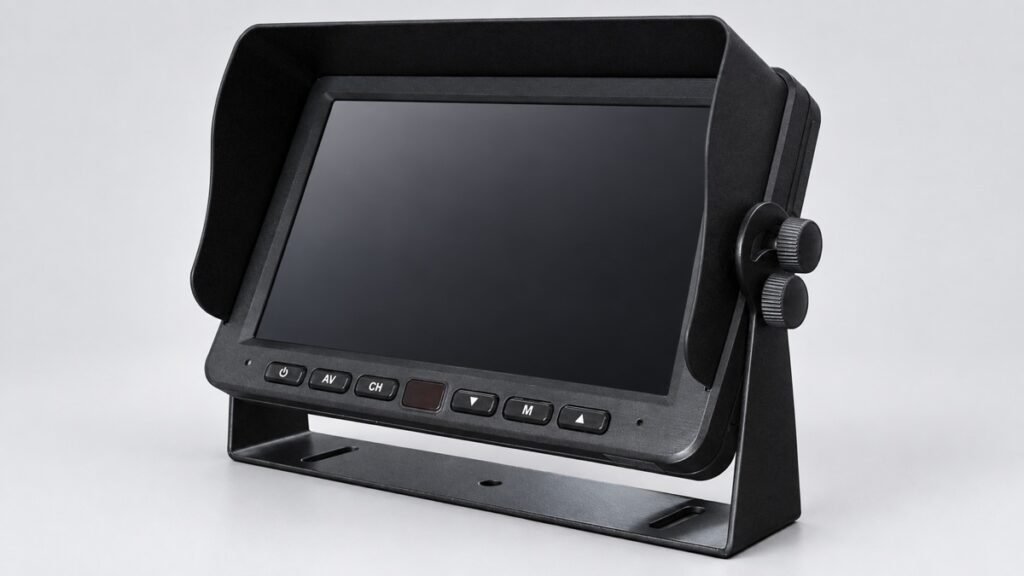
A monitor can show a sharp image in a sample room and become harder to read after installation in a bright cab, at an angle, or in a split-screen layout. Buyers often respond by comparing one display number: contrast ratio. That number matters, but it does not answer the whole visibility question.
Available Xinvisual product specifications list contrast ratios such as 500:1 and 800:1 for selected monitor configurations. The same records also list brightness, resolution, screen size, and, for one roof-mounted display, a viewing-angle condition tied to a contrast threshold. These fields should be reviewed together. A higher listed contrast ratio does not by itself prove better daylight readability, wider off-axis visibility, stronger night performance, or a clearer camera image.
The practical task is to identify the required view, compare the complete display specification, and approve the exact camera-to-monitor system in a representative installation.
What Vehicle Monitor Contrast Ratio Tells You
Contrast ratio describes the relationship between the display's brighter and darker output levels under the stated measurement conditions. A specification of 500:1 expresses a larger separation between those levels than 100:1 within that specification. It does not state how the display was measured, how reflective the screen surface is, or how much ambient light reaches the installed screen.
That boundary is important because the reviewed Xinvisual source files do not provide a shared laboratory method for contrast ratio. They do not define the test brightness setting, ambient-light level, screen-surface reflection, panel temperature, or production tolerance. Buyers can use the listed value as a configuration field, but they should not use it as a universal ranking across unrelated product families.
Contrast ratio is also different from brightness. Brightness is listed in candelas per square meter in the reviewed files. A screen may list the same 500:1 contrast ratio as another screen while carrying a different brightness value. Resolution, viewing angle, image signal, and mounting position remain separate checks.
500:1 vs 800:1 Vehicle Monitor Contrast Ratio
An 800:1 specification represents a larger listed separation between bright and dark output than 500:1 under the stated measurement conditions. However, it does not automatically prove better daylight readability, wider viewing angles, lower screen reflection, or clearer camera detail.
The comparison is meaningful only when the test method, panel configuration, brightness setting, ambient-light condition, and signal path are comparable. If those conditions are not available, use the ratio as a product configuration field and approve the final display through a sample test.
Available Xinvisual Specification Examples
Note: Each example below refers to a separate Xinvisual product or product configuration. Specifications should not be transferred between products solely because they share the same screen size, contrast ratio, or product category.
The following examples are configuration-specific values from available Xinvisual specifications, not a performance ranking or measured installation results.
Compact 5-Inch AHD Monitor
Listed Contrast: 500:1
Listed Brightness: 450 cd/m2
Resolution: 800 × 3(RGB) × 480
Confirm the exact compact-monitor configuration, then test the required rear-view or side-view image from the normal installed viewing distance.
10.1-Inch Monitor/DVR Reference
Listed Contrast: 800:1
Listed Brightness: 500 cd/m2
Resolution: 1024 × 600
Treat the 800:1 value as one configuration field. Verify the display using the intended camera feed, display mode, mounting position, and lighting conditions.
18.5-Inch Roof-Mounted Monitor
Listed Contrast: 500:1
Listed Brightness: 400 cd/m2
Resolution: 1366 × 768
Aspect Ratio: 16:9
Evaluate passenger viewing position, ceiling installation, ambient light, opening angle, and source content together.
19-Inch Roof-Mounted Monitor
Listed Contrast: 500:1
Listed Brightness: 500 cd/m2
Resolution: 1440 × 900
Viewing-Angle Condition: CR ≥ 10
Keep the viewing-angle condition attached to the specification instead of separating it from the stated contrast threshold.
These examples show why contrast cannot be evaluated alone. The two roof-mounted references both list 500:1, but their brightness and resolution differ. The compact monitor also lists 500:1 for a different screen size and viewing task. The 10.1-inch reference lists 800:1, but the source does not establish universal superiority over every 500:1 display.
Application Scenarios
Reversing and Side-View Monitors in a Cab
A dashboard or bracket-mounted monitor may display a rear camera, side camera, or several camera channels. The driver could view the screen in shade, through windshield reflections, or from an angle. The useful target may be a dock edge, wheel path, vehicle corner, or person-sized object near the body.
Define the target first, then assess contrast, brightness, resolution, screen size, camera signal, and mounting angle as one system. Explore commercial vehicle monitors for configuration options; check the final sample from the driver's normal eye position.
Split-Screen and Multi-Camera Systems
In a split-screen layout, each camera view occupies only part of the display. A listed panel contrast ratio cannot recover detail that is lost because the target appears too small, the camera angle is unsuitable, the incoming image is poor, or the signal path is mismatched.
Test the exact operating layout. Approve a four-view screen in four-view mode, not only as a single full-screen image. Check whether the target remains identifiable and whether overlays or labels interfere.
Roof-Mounted Passenger Displays
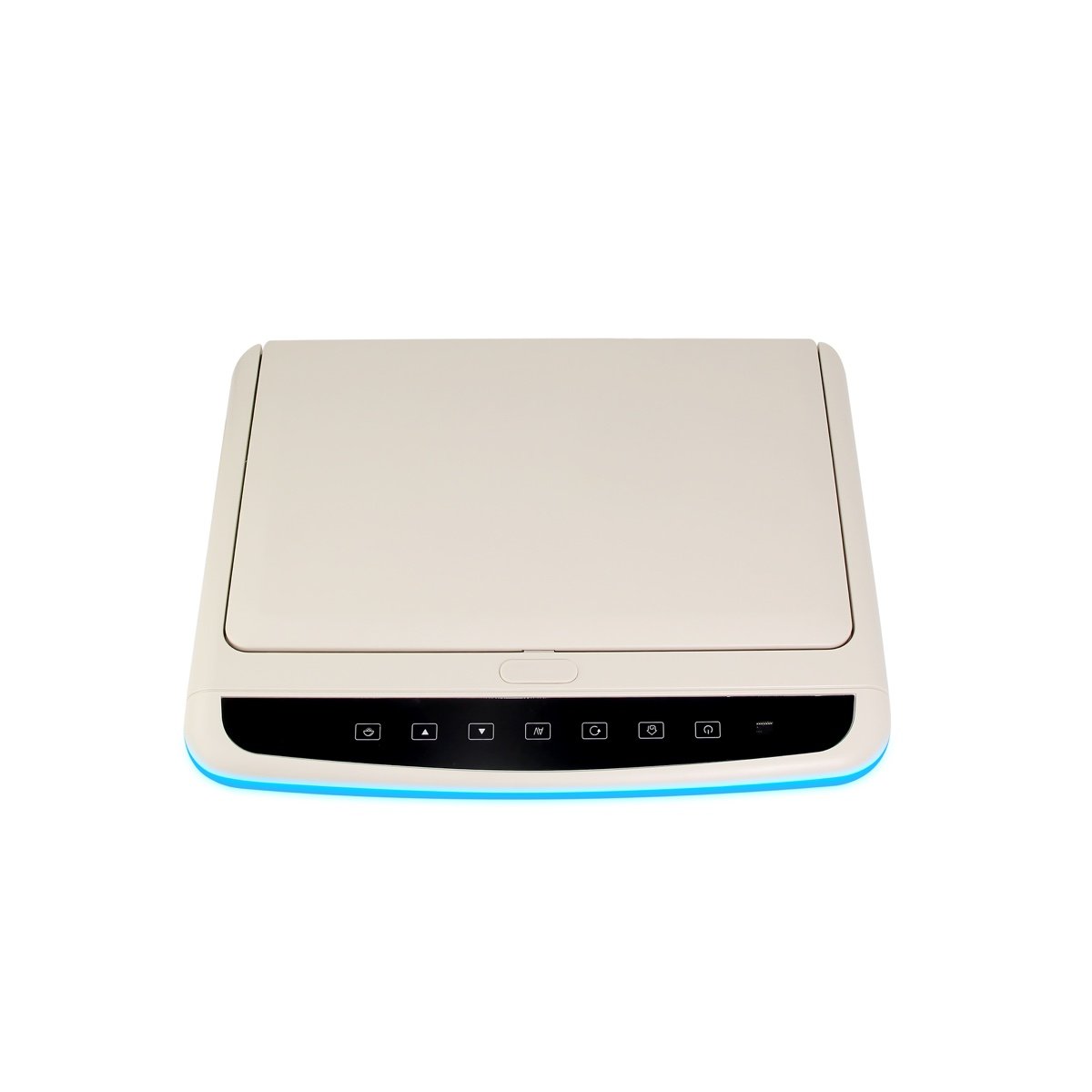
Roof-mounted monitors serve a different viewing task from reversing monitors. Passengers may sit at several distances and horizontal positions, and the display may be exposed to daylight through side windows. Screen opening angle, ceiling position, content source, brightness, contrast, and viewing angle all affect the result.
The relevant product family is roof-mounted monitors for buses and coaches, but the listed contrast ratio still needs a vehicle-specific sample review. Do not transfer an acceptance decision from a cab monitor to a roof-mounted display simply because both list 500:1.
Technical Considerations Before Selection
1. Separate Contrast Ratio from Brightness
Contrast describes separation between bright and dark output; brightness describes light output at the screen. They are related to the viewing experience but are not interchangeable. Ask the supplier to record both fields for the exact monitor version.
For daylight or high-reflection installations, do not request “higher contrast” as the only correction. Check screen brightness, screen angle, reflections, sunshade or installation enclosure, camera exposure, and the target area. A brighter number is not a guarantee either, but separating the fields makes the RFQ more precise.
2. Keep the Viewing-Angle Condition Attached
One reviewed 19-inch source lists left, right, up, and down viewing angles with the condition CR >= 10. That notation shows that the viewing-angle statement is tied to a contrast threshold in that file. Buyers should preserve such conditions in the quotation and approval record rather than copying only the angle numbers.
For a detailed mounting-angle decision, use Xinvisual's vehicle monitor viewing-angle guide. Contrast ratio remains the focus here; viewing-angle ownership stays with the existing guide.
3. Match the Incoming Image and Display Mode
The monitor cannot create source detail that the camera, cable, transmitter, or recorder does not deliver. Confirm camera signal type, resolution, video format, connector, cable route, input channel, and display mode. If the monitor supports several inputs or modes, identify the exact one used during the sample test.
Do not compare display panels while changing cameras, cables, image settings, and mounting positions at the same time. Freeze the image path so the buyer can identify whether a visible difference comes from the monitor or another component.
4. Evaluate the Installed Environment
Screen reflections, direct sunlight, a bright windshield, a dark cab, and off-axis viewing can change practical visibility. Mounting height and tilt also affect how quickly the operator can read the screen. These conditions are not represented by the contrast-ratio field alone.
Create at least two representative checks: one for the difficult daytime condition and one for the low-ambient-light condition. If the system will use split view, reversing trigger view, or a roof monitor at several seat positions, include those operating modes in the acceptance plan.
5. Record Electrical and Operating Conditions Separately
Display behavior should be checked at the intended supply and operating mode, but contrast ratio does not establish power compatibility or total system load. Use the vehicle monitor power-consumption guide for load planning, and keep the approved contrast test tied to the exact monitor configuration.
The reviewed product files do not define warm-up behavior, panel aging, temperature-based contrast change, or service-life performance. Those claims are excluded. If a project has a special temperature or endurance requirement, request configuration-specific engineering evidence and a separate acceptance plan.
Product and System Selection Guidance
Define the Visibility Task
Write down what the operator or passenger must be able to see, from which position, at what distance, and in which display mode. “Clear screen” is not measurable enough for a purchase order.
Build a Complete Comparison Sheet
For each candidate monitor, record screen size, resolution, brightness, contrast ratio, viewing-angle notation, input format, connector, supply range, mounting method, and intended camera or media source. Mark any optional field so the selected version is not confused with a family-level capability.
Test the Exact Sample Configuration
Install the monitor at the planned height and angle. Use the intended camera, cable or wireless path, signal format, and split-screen mode. Review the required target from the normal operating position in representative daylight and low-light conditions. For a roof-mounted monitor, include several passenger positions.
Preserve the Approval Record
Retain the bill of materials, product specification, settings, installation photos, test conditions, and acceptance decision. Repeat orders should reference that record. If the panel, camera, firmware, cable, or display mode changes, repeat the relevant visibility check.
Common Buyer Mistakes
Choosing the Highest Contrast Number Without a Shared Method
An 800:1 entry should not be treated as proof of universal superiority when the source files do not define a common test method.
Treating Contrast as Daylight Readability
Daylight visibility also depends on brightness, reflection, viewing angle, installation position, and the incoming image. Test the installed screen.
Using Contrast Ratio as Proof of Camera Quality or Night Vision
The monitor's contrast specification does not establish camera sensor performance, infrared range, headlight handling, or recorded detail.
Applying One Family's Specification to Another
A compact cab monitor, a monitor/DVR, and a roof-mounted display may have different panels and tasks. Keep every value tied to its exact configuration.
Buyer Checklist
- Vehicle type and viewing task: Define the vehicle, viewing position, and required target area.
- Viewing position: Record the normal driver, operator, or passenger eye position.
- Exact monitor configuration: Confirm the monitor version, screen size, and optional specification.
- Display specifications: Record resolution, brightness, contrast ratio, and viewing-angle conditions separately.
- Signal path: Confirm the camera or media source, signal format, connector, cable, and input channel.
- Display mode: Test the same single-view or split-screen layout used in operation.
- Installation: Review mounting height, tilt, sunshade, reflections, and viewing distance.
- Lighting conditions: Test representative daylight and low-light conditions separately.
- Roof-mounted displays: Check representative passenger seating positions where applicable.
- Electrical requirements: Confirm voltage and system load outside the contrast-ratio specification.
- Evidence limits: Exclude unconfirmed test methods and performance claims.
- Approval record: Retain the specification, bill of materials, settings, photos, and sample-test decision.
- Repeat orders: Reference the approved configuration and repeat relevant checks after changes.
FAQ
Is a higher vehicle monitor contrast ratio always better?
Not necessarily. A higher listed ratio can indicate greater separation between bright and dark output within that specification, but the reviewed files do not define a shared measurement method. Brightness, reflections, viewing angle, signal quality, installation, and the required target must also be checked.
Is contrast ratio the same as monitor brightness?
No. The available Xinvisual specifications list them as separate fields. Contrast is expressed as a ratio, while brightness is listed in cd/m2. Buyers should record both and test the installed display.
Can contrast ratio prove that a monitor is readable in sunlight?
No. The reviewed sources do not support that conclusion. Sunlight readability depends on the complete installed condition, including brightness, screen reflections, mounting angle, shade, viewing position, and source image.
How should a buyer approve vehicle monitor display quality?
Define the target and viewing position, freeze the exact camera-to-monitor configuration, test the real display mode under representative daylight and low-light conditions, and retain the specification, settings, photos, and acceptance decision for production.
Request a Monitor Configuration Review
Already have a specification or preferred configuration?
Send Xinvisual the following information:
- Vehicle type
- Viewing task
- Monitor size
- Camera or media source
- Signal format
- Mounting position
- Required display mode
- Estimated order quantity
We can review the configuration match and identify which display conditions still require sample confirmation.
Sample installation and testing should follow the vehicle’s safety procedures and be carried out by qualified personnel. Do not adjust or evaluate the display while driving.