

Quick Answer
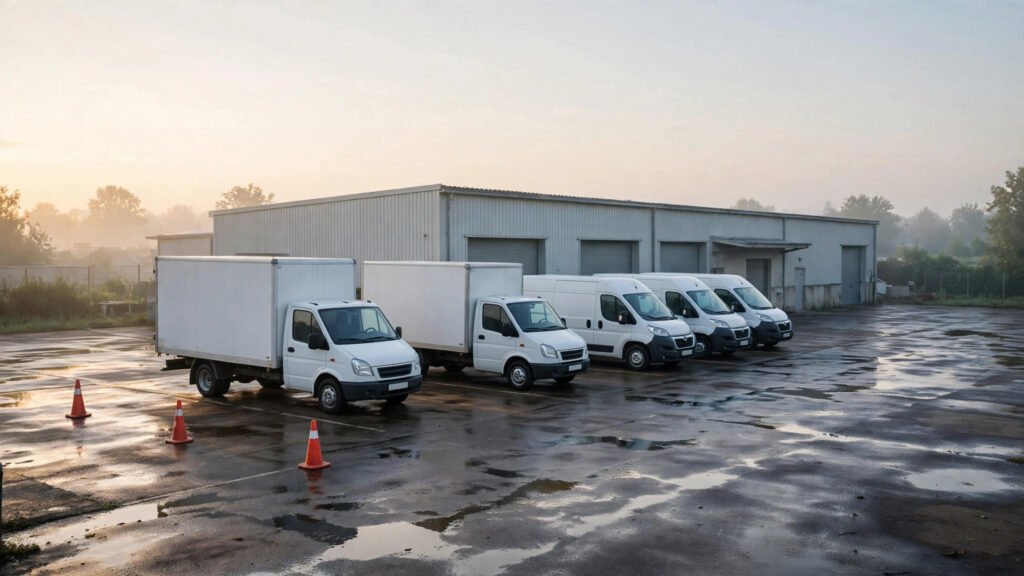
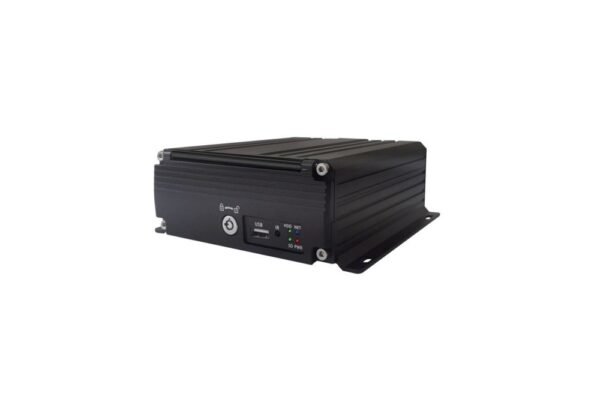
A dash cam and an MDVR both record video, but they are different tools for different vehicles. A dash cam is a compact, usually one- or two-channel unit mounted on the windscreen: road view, sometimes a cabin view, stored on a memory card. An MDVR (mobile digital video recorder) is a separate recorder box that takes several cameras at once — front, rear, sides and cabin — and stores the footage on larger-capacity storage: a hard drive, an SSD, or a high-capacity SD card, depending on the model.
For a small fleet, the deciding question is not “which is better” but “how many views does this vehicle need, and for how long must the footage be kept?”
Select a dash cam when the vehicle only requires one or two basic viewing angles and a few days of local video retention. Select an MDVR when the duty cycle involves side risk, reversing into tight loading docks, pedestrian blind spots, cargo verification, or multi-week footage retention.
The cheapest mistake a small fleet can make is buying the small device first, discovering the missing angle after an incident, and then paying to fit the bigger system anyway.
Side-by-Side: The Differences That Decide the Purchase
| Dash cam | MDVR | |
|---|---|---|
| Camera channels | Usually 1–2 | Typically 4–8 |
| Views covered | Road ahead, sometimes cabin | Front, rear, sides, cabin, cargo — as fitted |
| Storage | Memory card | Hard drive / SSD, or high-capacity SD card (model-dependent) |
| Retention | Days, at one or two views | Days to weeks, across all channels |
| Installation | Short job, windscreen mount | Half a day or more per vehicle, with cable runs |
| Tamper resistance | Visible, easy to unplug or remove | Recorder hidden and lockable; cameras fixed |
| Remote / live view | App-based, usually one channel | Multi-channel live view and GPS / 4G options, model-dependent |
| Best fit | Vans, cars, light vehicles, single-view evidence | Box trucks, buses, coaches, vehicles with side/rear risk |
These are general system comparisons. Actual capabilities, installation requirements and storage options must be checked against the quoted equipment.
Storage Capacity Is Not the Same as Recording Retention
A larger storage device does not automatically mean longer footage retention.
Retention is per channel, not per device: four cameras writing to one drive fill storage roughly four times faster than one camera writing to a card, so a bigger system does not automatically keep footage longer — storage must be sized for the channel count. Before selecting a recorder, ask the supplier to calculate retention using the proposed recording configuration.
Consider Future Camera Coverage
A dash cam cannot grow: if a later incident shows you needed a side view, the only fix is a different system. If a fleet expects to add side, rear or cargo-area recording, compare the cost of installing a suitable multi-camera system now with the cost of replacing the original equipment later. The aim is not to buy the largest system available. It is to avoid paying twice for a predictable requirement.
The Per-Vehicle Cost: Count Everything, Not Just the Box
Small-fleet buyers usually compare the price of the device. That is the smallest part of the real comparison. Work through these six cost lines per vehicle, and ask your supplier to quote each one separately:
-
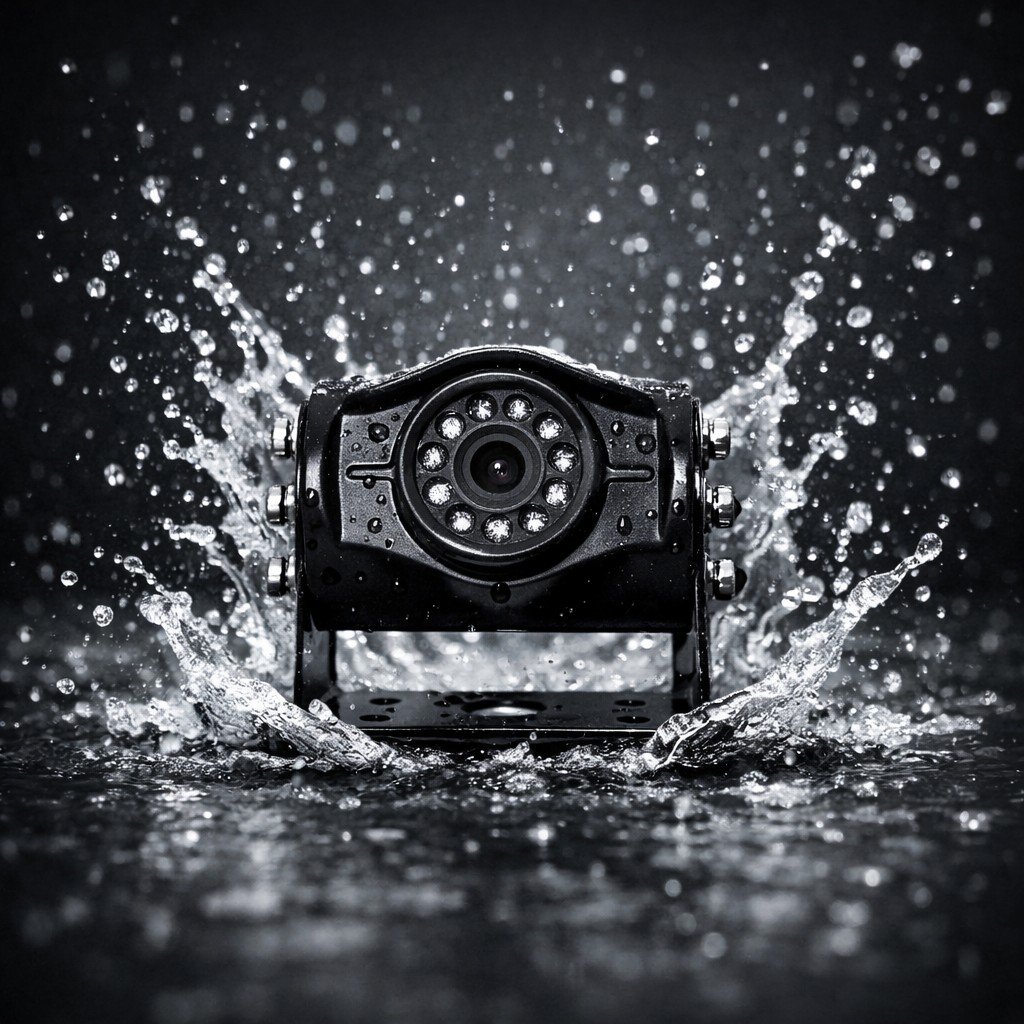
Hardware. The recorder or dash cam unit, plus every camera, cable and bracket. A dash cam ships as one unit; an MDVR quote has several line items — count cameras, not boxes.
Buying check: confirm the quotation includes every camera position specified for the vehicle, rather than assuming the recorder price represents the complete system.
-
Installation labour. A dash cam is a short job. An MDVR is a wiring job: camera positions, cable routing, recorder mounting, power connection. For a small fleet this is often the largest single cost line, and it repeats if you refit later.
Buying check: request installation labour as a separate cost per vehicle, including any additional work required for different vehicle types.
-
Storage media. Memory cards wear out and need scheduled replacement; hard drives and SSDs cost more up front and last longer. Put a replacement interval in the quote, not just a purchase price.
Buying check: ask for the proposed storage medium, capacity, expected replacement schedule and retention calculation.
-
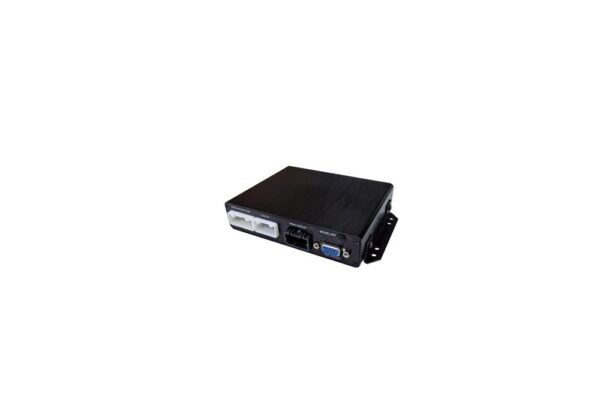
Power and voltage. Confirm the model’s voltage range against the vehicle — do not assume one model’s range applies to another model or to the whole system.
Buying check: have the installer verify the power requirements of each quoted component before approving the configuration.
-
Downtime. Every vehicle taken off the road for fitting is a vehicle not earning. A dash cam fit can happen between jobs; an MDVR fit usually needs the vehicle booked in.
Buying check: ask how long each vehicle must be available for fitting, and whether installation can be planned around depot schedules.
-
Warranty and returns. Ask what the standard warranty covers and for how long — Xinvisual’s standard warranty is generally one year, with exact coverage per the written warranty for the model and market. Ask who handles a return, and what happens to the vehicle while a unit is away.
Buying check: confirm the applicable written warranty, return procedure and responsibility for diagnosing or replacing faulty components.
Compare the Complete Installed Cost
A practical quotation should make the following cost structure visible:
Total per-vehicle cost = Hardware + Installation labour + Storage media + Power-related installation requirements + Vehicle downtime + Warranty / return handling costs
Where an item has no separately chargeable cost, the supplier should make that clear rather than leaving it ambiguous.
Add the six lines and you have the real per-vehicle cost. The gap between a dash cam and an MDVR narrows sharply once installation and downtime are counted — and it disappears entirely if the dash cam has to be replaced by an MDVR six months later.
When a Dash Cam Is Enough
Choose the dash cam when all four of these are true: the vehicle is a van, car or light truck with no side or rear risk that needs recording; road-ahead evidence (plus a cabin view, if needed) answers the incidents this fleet actually has; a few days of footage is enough, because incidents are spotted and downloaded quickly; and the fleet wants the lowest install time and the simplest setup.
This is a genuine fit, not a compromise. Many small service fleets run dash cams for years and never need more. The error is choosing one for a vehicle whose risk profile needs four angles.
When an MDVR Earns Its Place
Choose the MDVR when any of these are true: the vehicle reverses into loading docks, yards or streets where pedestrians and cyclists appear at the sides or rear; passengers, cargo or a load bay need their own recorded view; the fleet needs footage kept for weeks, for example for insurance claims that surface late; or the vehicle is a box truck, bus or coach, where more than two sides carry real risk.
If the fleet is mixed, the answer is usually mixed too: dash cams on the light vans, MDVR on the box trucks and buses. There is no rule that one system must cover the whole fleet — the camera configuration should match the vehicle risk, not a single purchase order.
For 4 vs 8 channels, see our 4-channel vs 8-channel MDVR guide. For the wider selection questions — channel count, storage, GPS, remote access — see how to choose the right MDVR system for your fleet. Both are written to be read before you ask for a quote, not after.
Before You Order: A Five-Question Checklist
Give this to your installer or distributor with the quote request:
- Which views? List every angle this vehicle needs recorded — front, rear, left, right, cabin, cargo — and check each one against the device’s channel count.
- How long? State the retention you need in days, and have the supplier show the storage calculation for that channel count — our MDVR storage guide works out how many days a given drive size actually keeps.
- Where does it live? Confirm the recorder’s mounting position, ventilation and tamper protection — and who can access the footage.
- What does live view mean here? A single-channel app preview and a multi-channel remote view are different capabilities; confirm which one the quoted model provides, and whether it needs a data plan. See also live view vs local recording.
- What is the whole per-vehicle cost? Hardware, install, storage, downtime and warranty handling — quoted line by line, per vehicle, so two suppliers can be compared on the same basis.
If a supplier cannot answer the retention question with a calculation, or quotes a single “system price” with no breakdown, treat that as a signal to ask again — not as a reason to accept the number.
What Installers and Distributors Should Confirm
Before finalizing the specification, check that the quotation clearly identifies the vehicle types, camera positions, recording requirements and installation scope. A quote described only as a “camera system” may leave important details open to interpretation. If a supplier cannot provide a retention calculation or explain what the system price includes, request a clearer breakdown before approving the order. The objective is to make sure both parties are quoting the same practical outcome: the required views, the required recording period and a complete installed system.
FAQ
Can I start with dash cams and upgrade to MDVR later?
Yes, but budget for it as a replacement, not an upgrade. The cameras, cables and recorder are different hardware, and the install labour is spent twice. If you expect to need multi-angle coverage within a year, price the MDVR now.
We have 6 vehicles. Is that too small for MDVR?
No. Fleet size is not the deciding factor; vehicle risk is. A six-vehicle fleet of box trucks doing urban deliveries has more reason to fit MDVR than a fifty-vehicle fleet of sales cars. Judge each vehicle on its own views and retention needs.
Will cameras lower our insurance premium?
That is a question for your insurer, with evidence in hand. Our fleet camera insurance questions lists the twelve questions to ask before renewal — and the evidence pack to prepare first.
The Bottom Line
For a small fleet, the dash cam vs MDVR decision is a per-vehicle decision, made on views and retention — not on fleet size, and not on the price of the box alone. Price the whole job per vehicle, check the storage maths, and fit the system that covers the angles where your incidents actually happen. A camera that was not fitted cannot record the incident you needed it for.
Next step: Send us your vehicle type, the camera positions you need covered, the monitor size if the driver needs a live view, and the working environment (urban delivery, yard work, long-haul, dusty or wet conditions). We will recommend a configuration and a per-vehicle cost breakdown you can compare with other quotes. Contact: info@xinvisual.com.